

Connecting to an Atoti Cube with the MSSAS connector.
The screenshots are from Tableau 2018.2. Start Tableau and click on Microsoft Analysis Services.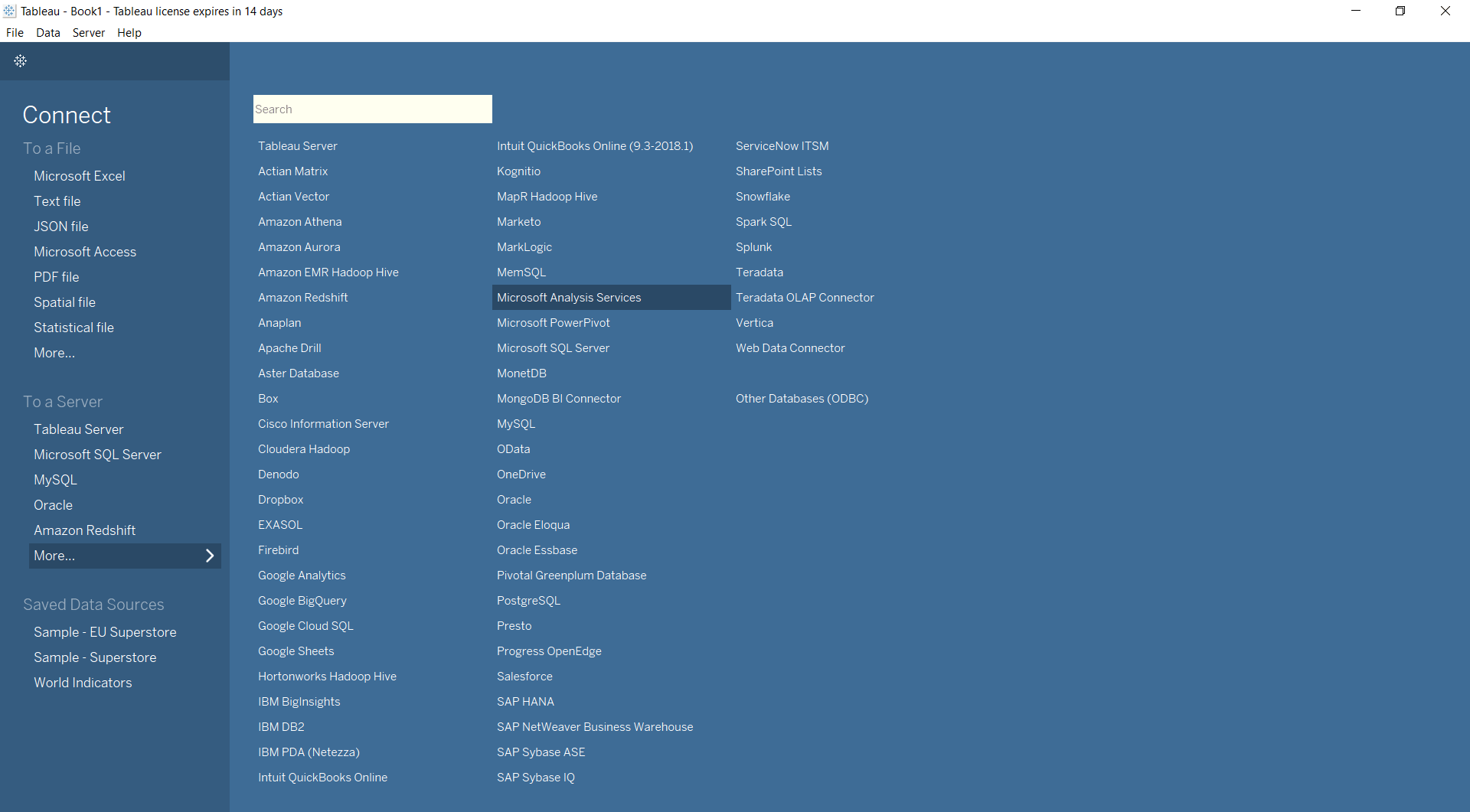
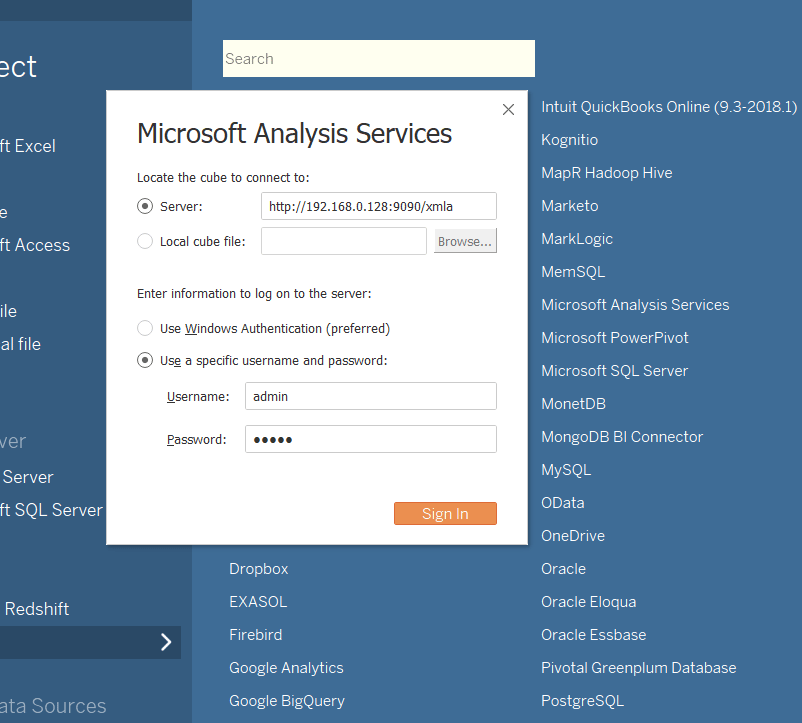
If you are unable to see Microsoft Analysis Services in the list, please install drivers for 2014 SP1 (version 12.0.2000.8) from Tableau’s Driver Download page.Enter the Atoti Server address (do not forget the
/xmla that gives access to the XMLA servlet
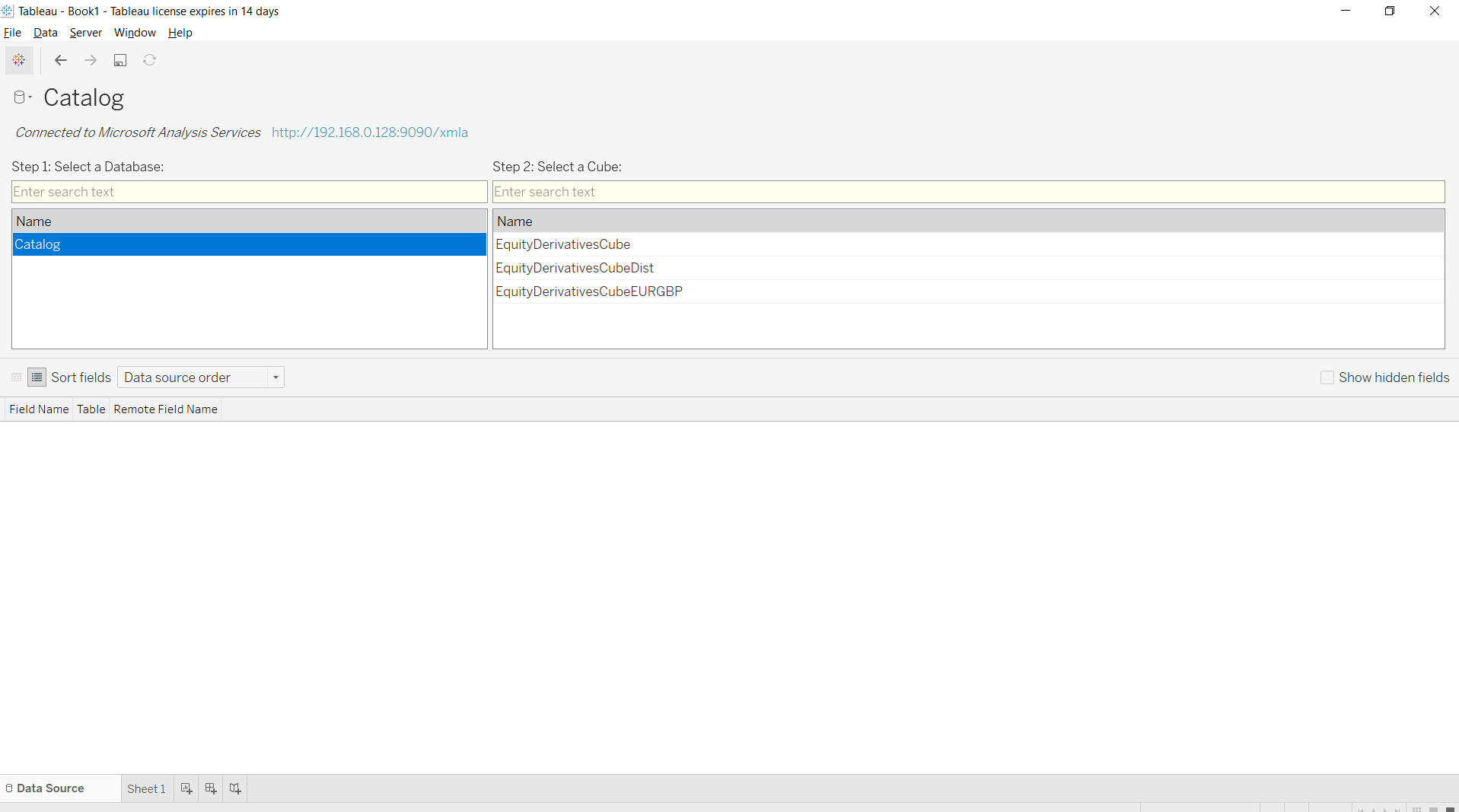
which simulates a Microsoft Analysis Services answering Tableau’s requests), and your
username/password as configured in Atoti.
How to Convert a Field from String to Date
It is a known issue that sometimes Date fields are shown as Strings in Tableau.- Change the data type of the field, changing it from String to Date
- If your dates are not recognized (and shown as null in the data view), revert the data type to
String and create a calculated member. A calculated member is an MDX expression that will be
evaluated during query.
From the Dimensions panel, select Calculated Members and create a new one. Choose a name, make sure to select Date as its result type and write the MDX expression using thecdatefunction. As an example, the MDX formula to use to transform the date field “AsOfDate” on the “HistoricalDates” from the “Time” dimension iscdate([Time].[HistoricalDates].CurrentMember.MemberValue).