Cube
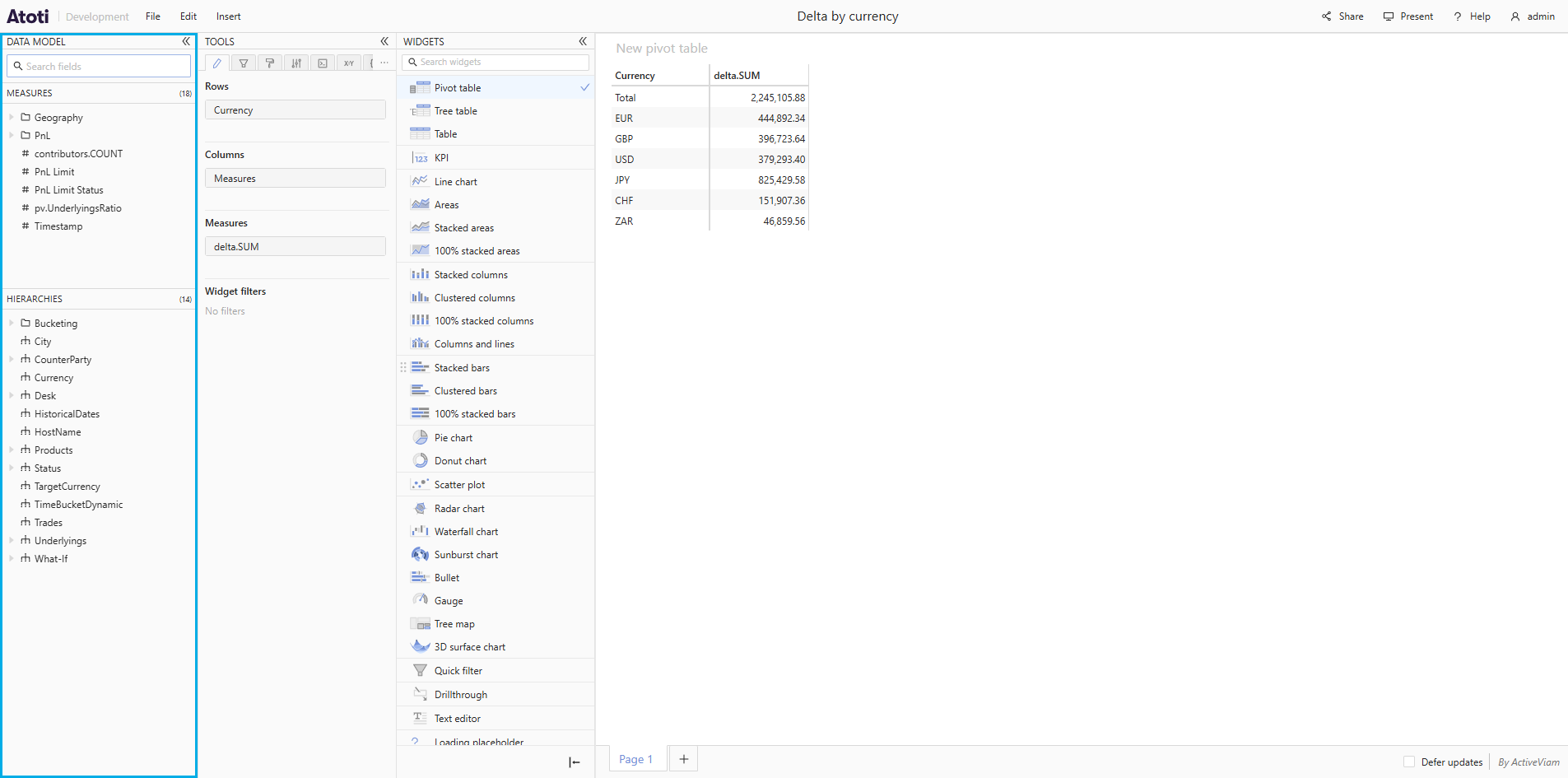
A Cube is a multidimensional view of some data, making it easy to explore, aggregate, filter and compare. In concrete terms, a cube contains dimensions, hierarchies, levels, measures, KPIs and sets. See OLAP cube for more details. Each attribute of the data can be represented as a dimension of the cube. The axes of the cube are called hierarchies. The purpose of multidimensional analysis is to visualize some numeric indicators at specific coordinates of the cube. These indicators are called measures. For details on how to change a widget’s cube, see here.Dimension
A dimension is a logical group of attributes, for example, Geography. You can think of it as of a logical “folder” containing hierarchies.Hierarchy
A hierarchy is a subcategory of a dimension and represents a precise type of data. For example, “City” or “Territory” could be hierarchies for the “Geography” dimension. A hierarchy may contain one or more levels.Level
A level is a subcategory of a hierarchy. Levels have a specific order with a parent-child relationship. For example, a “Territory” hierarchy has “Region” as the top level. “Region” has “Country” below it at the second level, and “Country” may have “City” at the leaf level.Measure
A measure computes and aggregates information from the data. A measure isn’t a single result number, it’s more like a formula that can be evaluated for any coordinates of the cube. For example, the total number of records or the average size of orders.Measure group
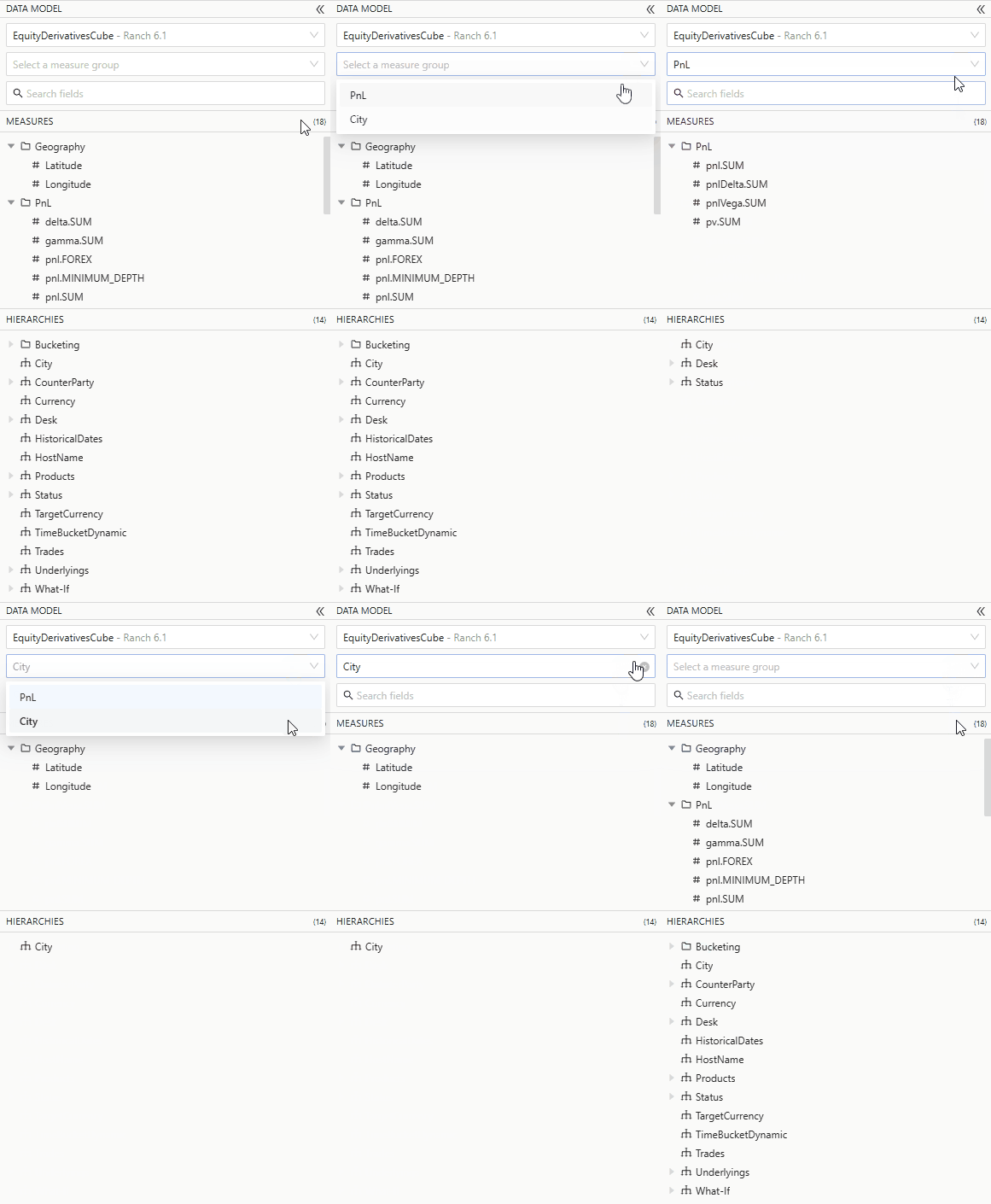
A measure group structures the data model by grouping measures that share common dimensional context. It is is a logical container that organizes related measures and the dimensions they depend on. When configured on the server, a Select a measure group dropdown appears in Atoti UI, allowing you to filter the data model to show only the measures and dimensions belonging to that group.