Quick tour
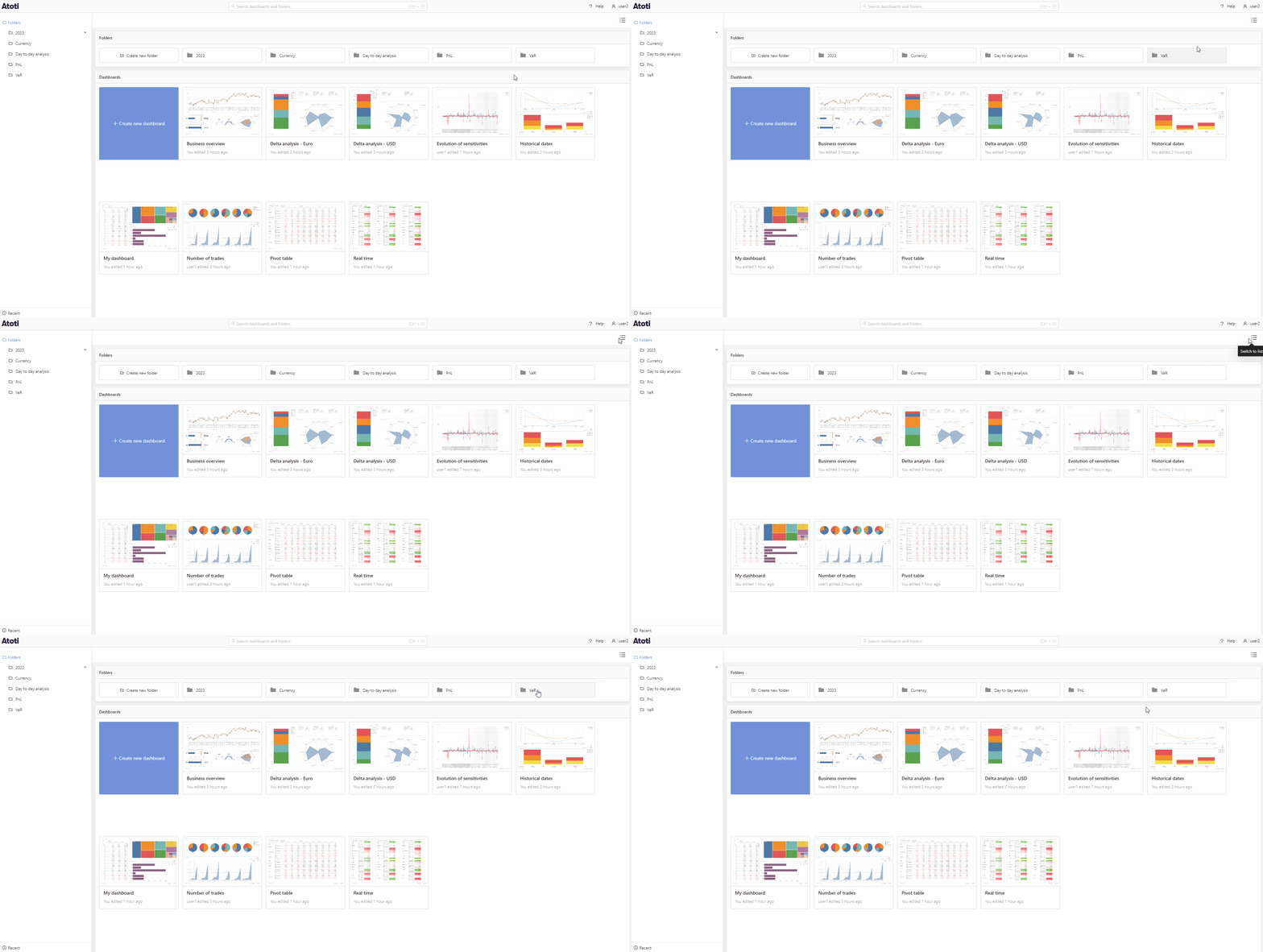
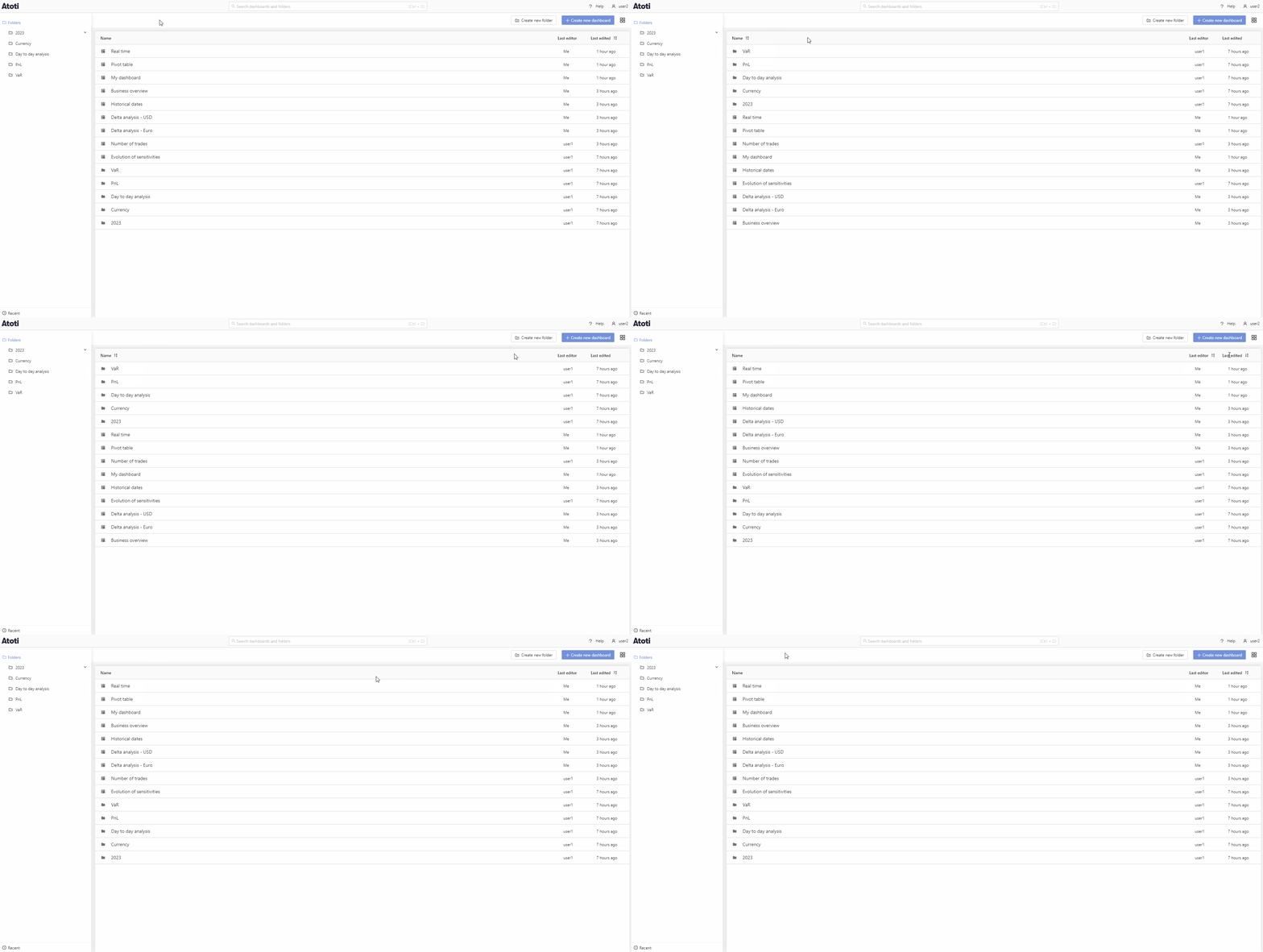
In grid view, create a new dashboard by clicking the blue Create new dashboard tile. To open an existing dashboard, double-click on the dashboard tile. Right-click anywhere on the tile or left-click the three dots found in the top right corner when hovering over the tile to open the context menu. From here you can share, delete or move your dashboard to a different folder.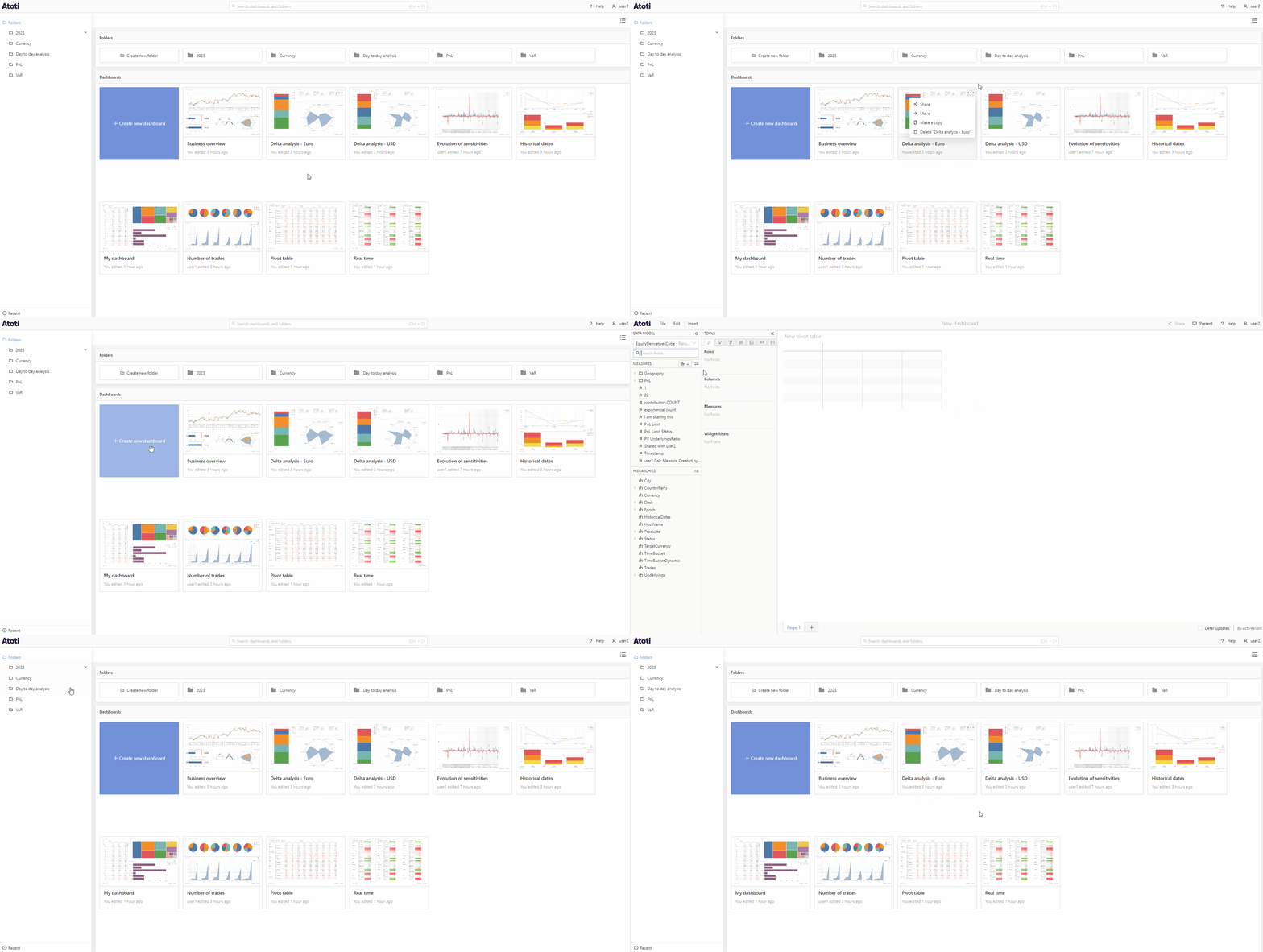
Search
You can find the search bar in the navigation bar at the top of the application. Type in here to quickly find a dashboard or folder.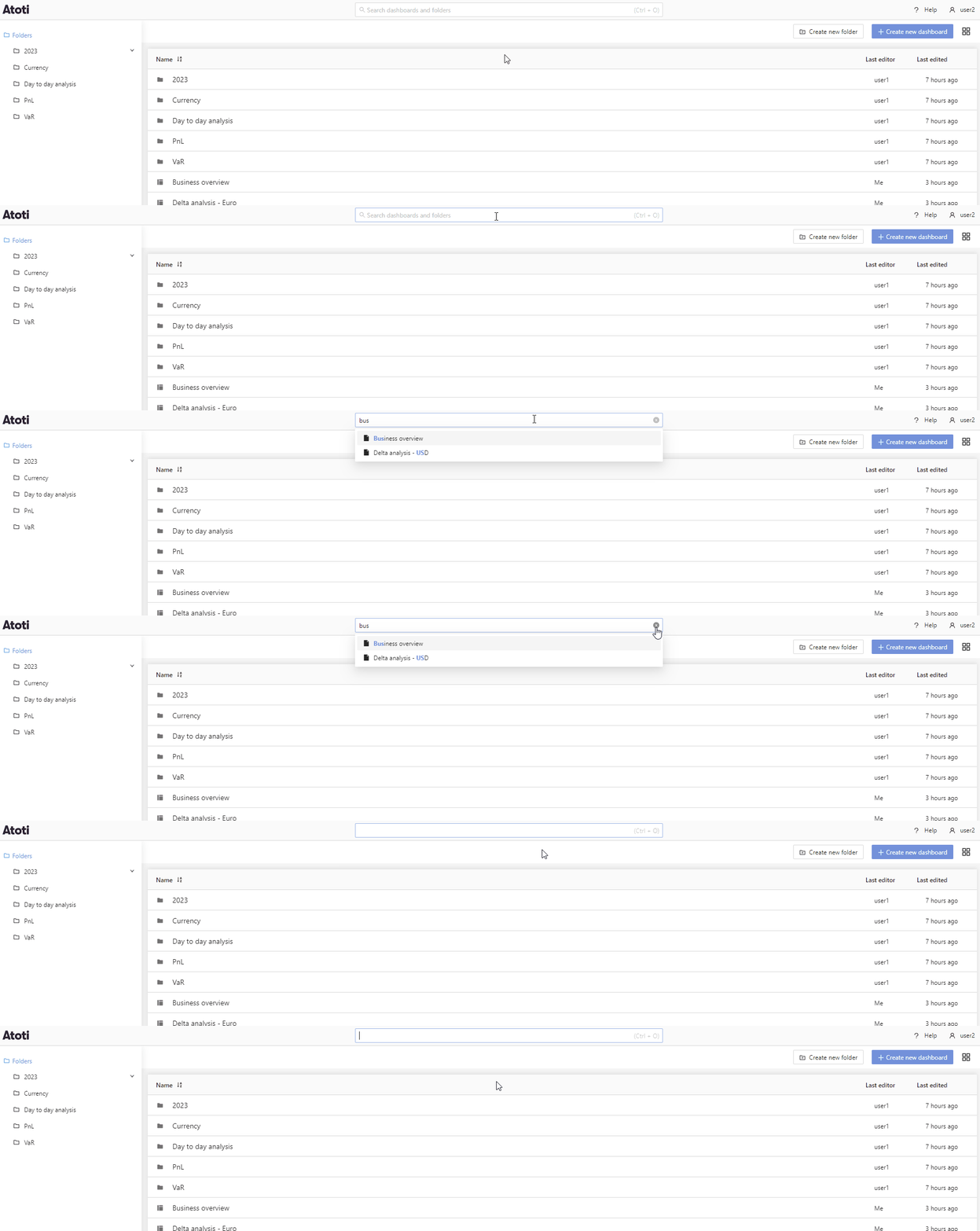
Folders
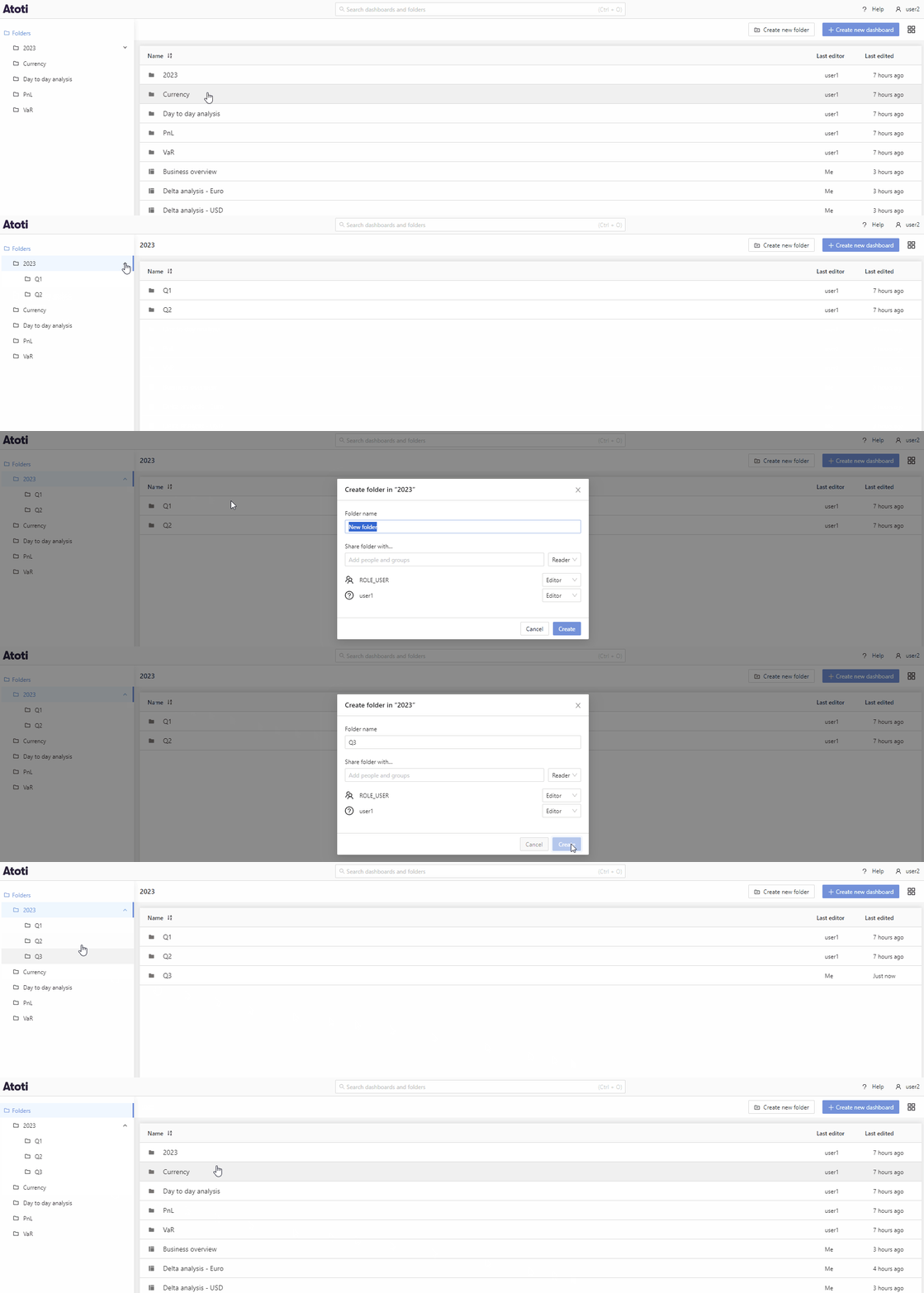
The Folders panel is located on the left side of the home page. To view a folder’s subfolders, click the arrow icon next to the folder name to expand it. To create a new folder, either:- Click the Create new folder button, or
- Right-click an existing folder and select Create folder in… from the context menu.
Shared with me
The Shared with me button is located under the Folders, at the bottom left of the application. Click this button to browse dashboards and folders that other users have shared with you.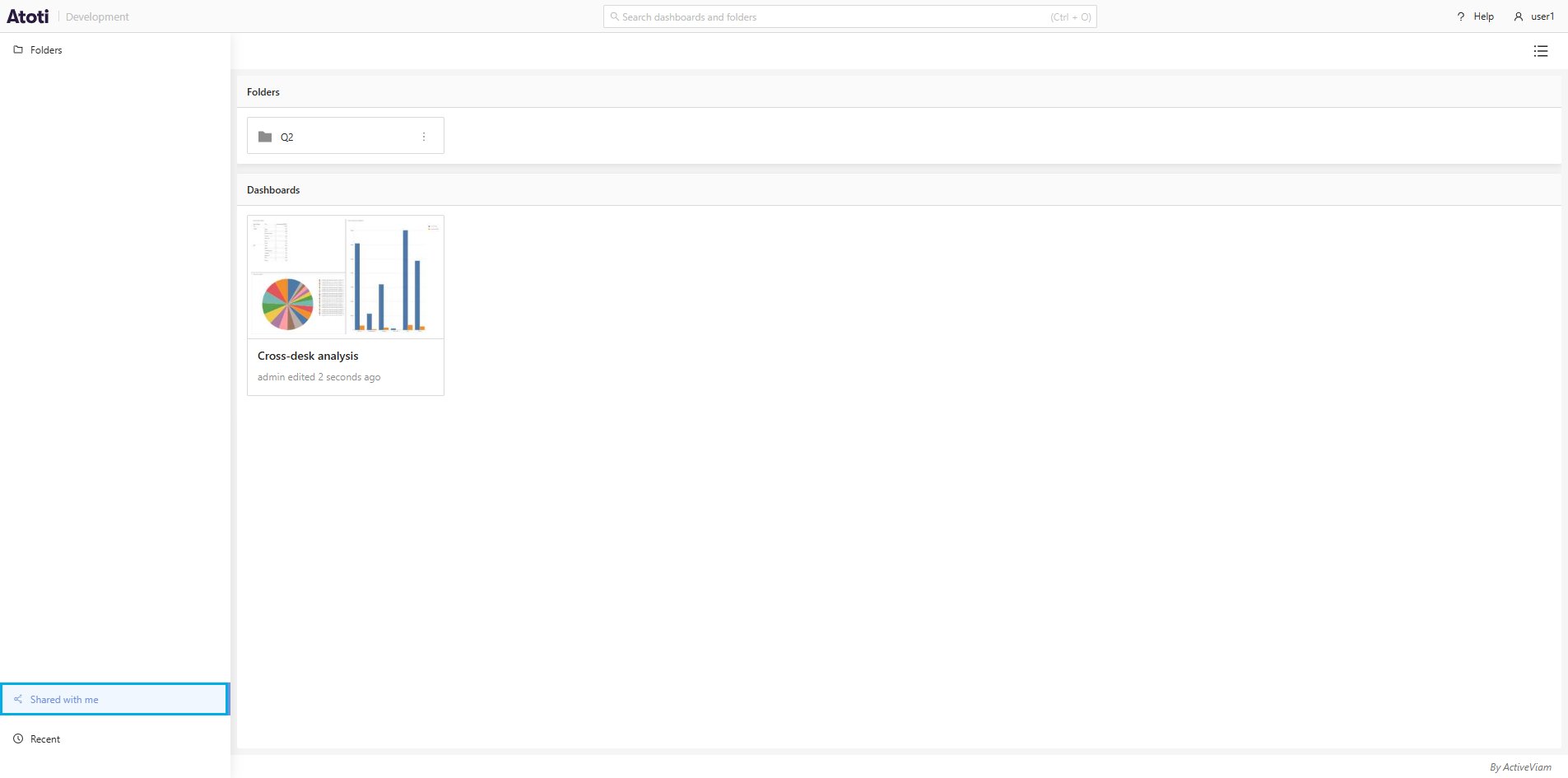
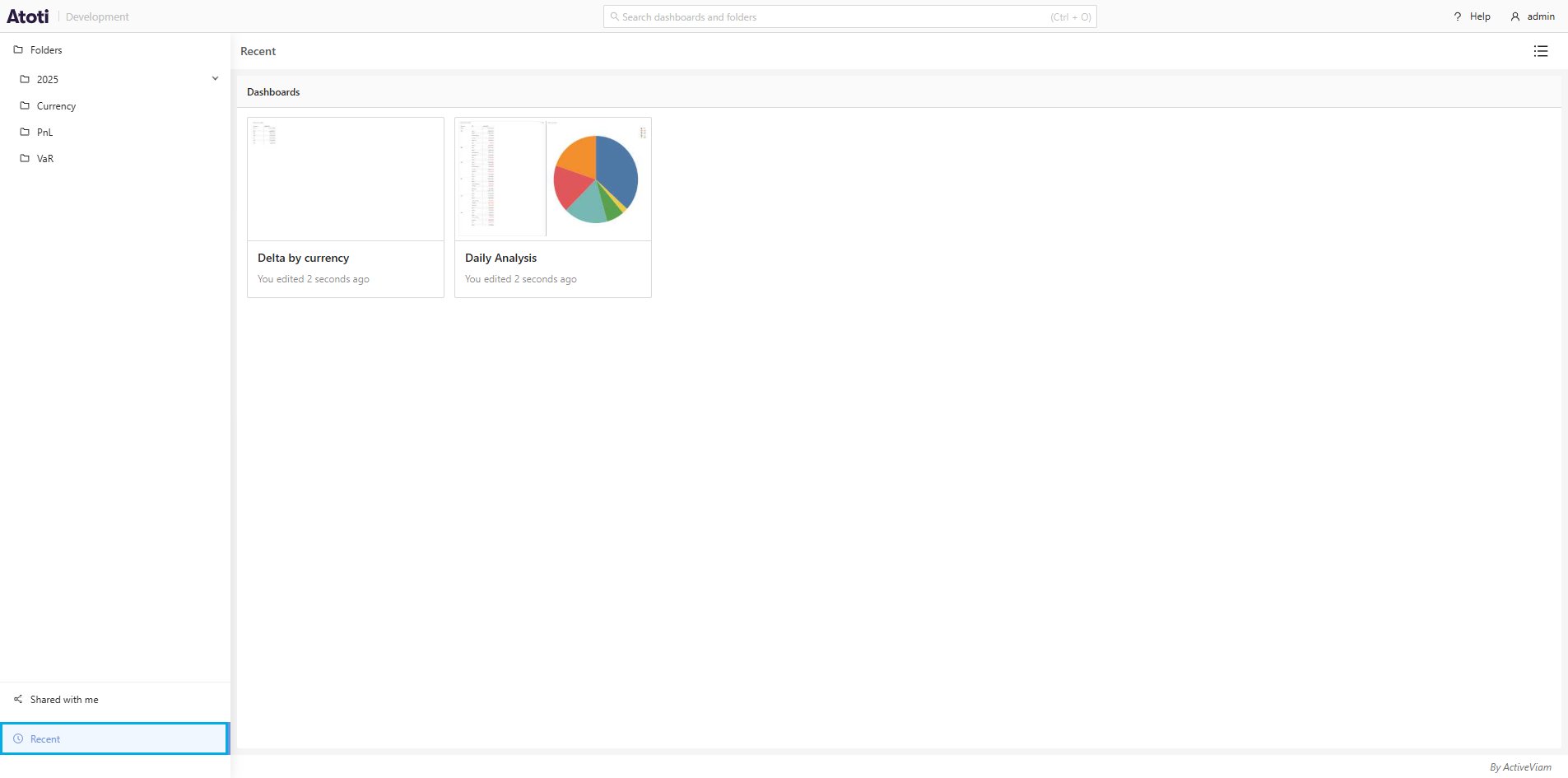
Recent
The Recent button is located under the Shared with me button. Click this button to see the dashboards you have opened most recently.