

Open the Settings popup
To open the settings popup, click the user menu at the top right of your screen, then select Settings.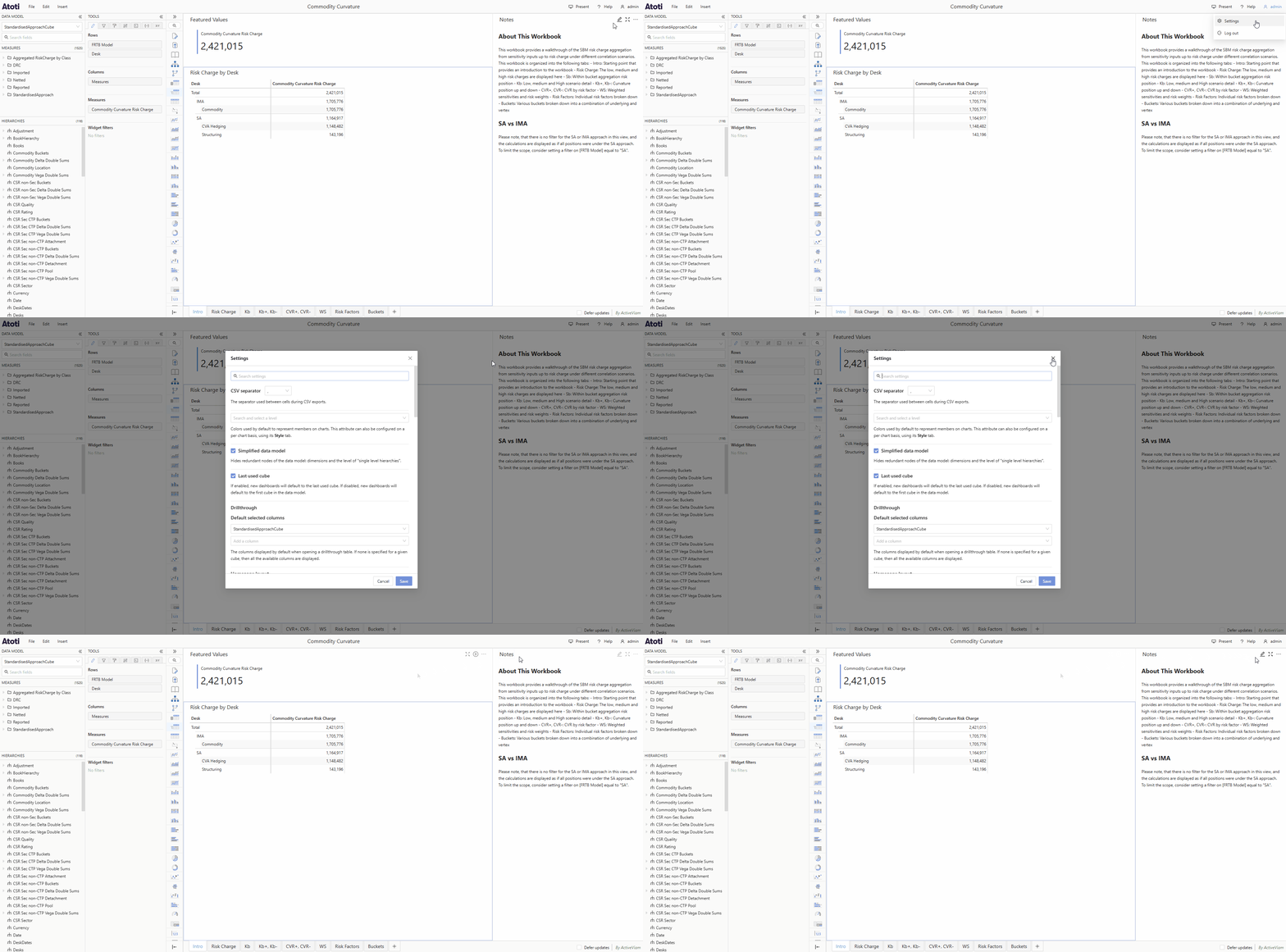
How to open the Settings popup from the user menu in Atoti UI, change a setting by toggling checkboxes or entering values, save the changes to apply them, and search within the popup using the search box, with the full list of options in the CoreSettings reference.