

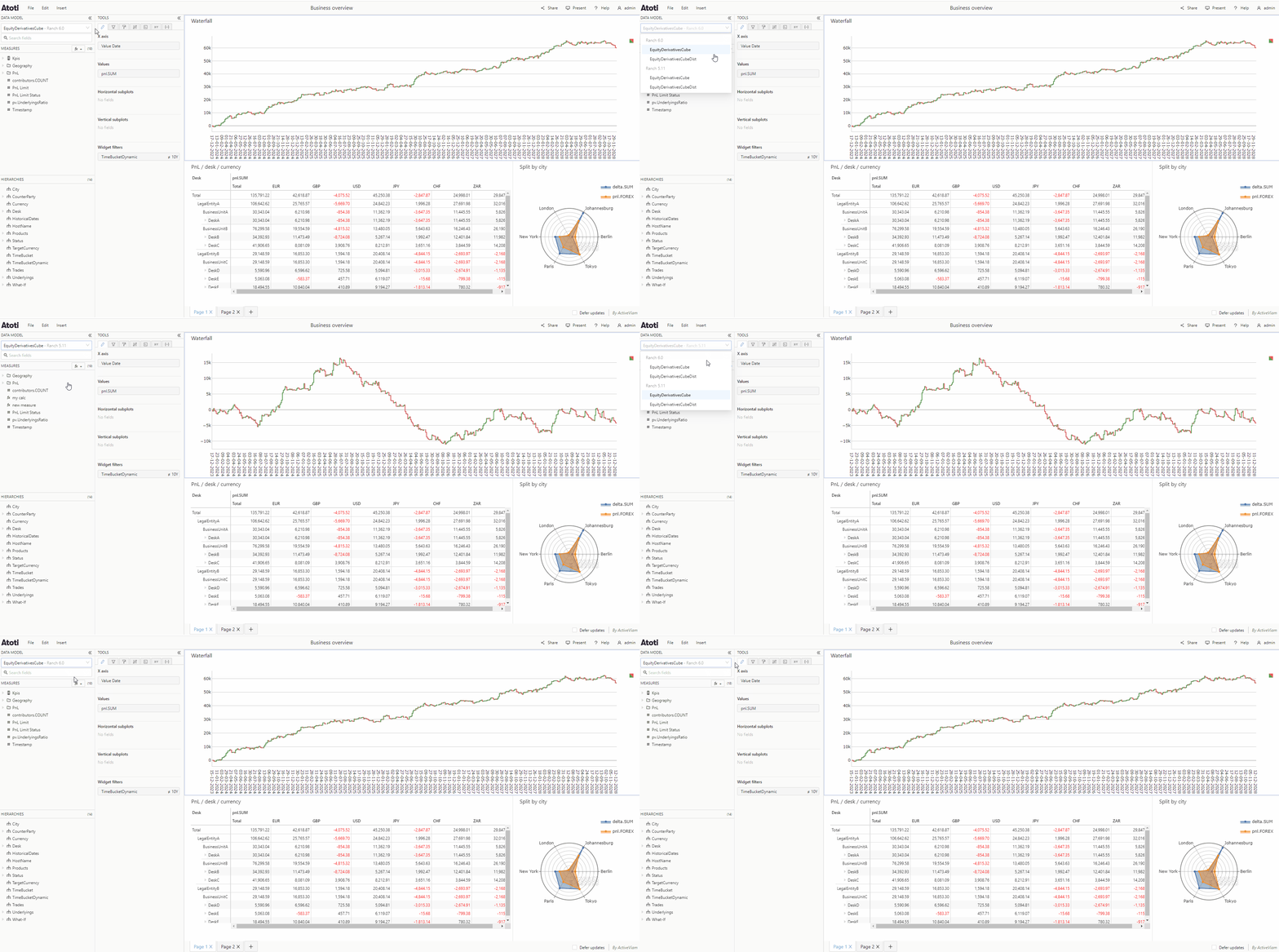
If your widget already has
hierarchies and/or
measures attached to it, then
you will only be able to switch to a cube which contains those same
hierarchies and/or measures.
How to change the cube a widget targets in Atoti UI using the cube selector dropdown, including identifying which server each cube is hosted on, and the constraint that switching is limited to cubes sharing the same hierarchies and measures already in use.