

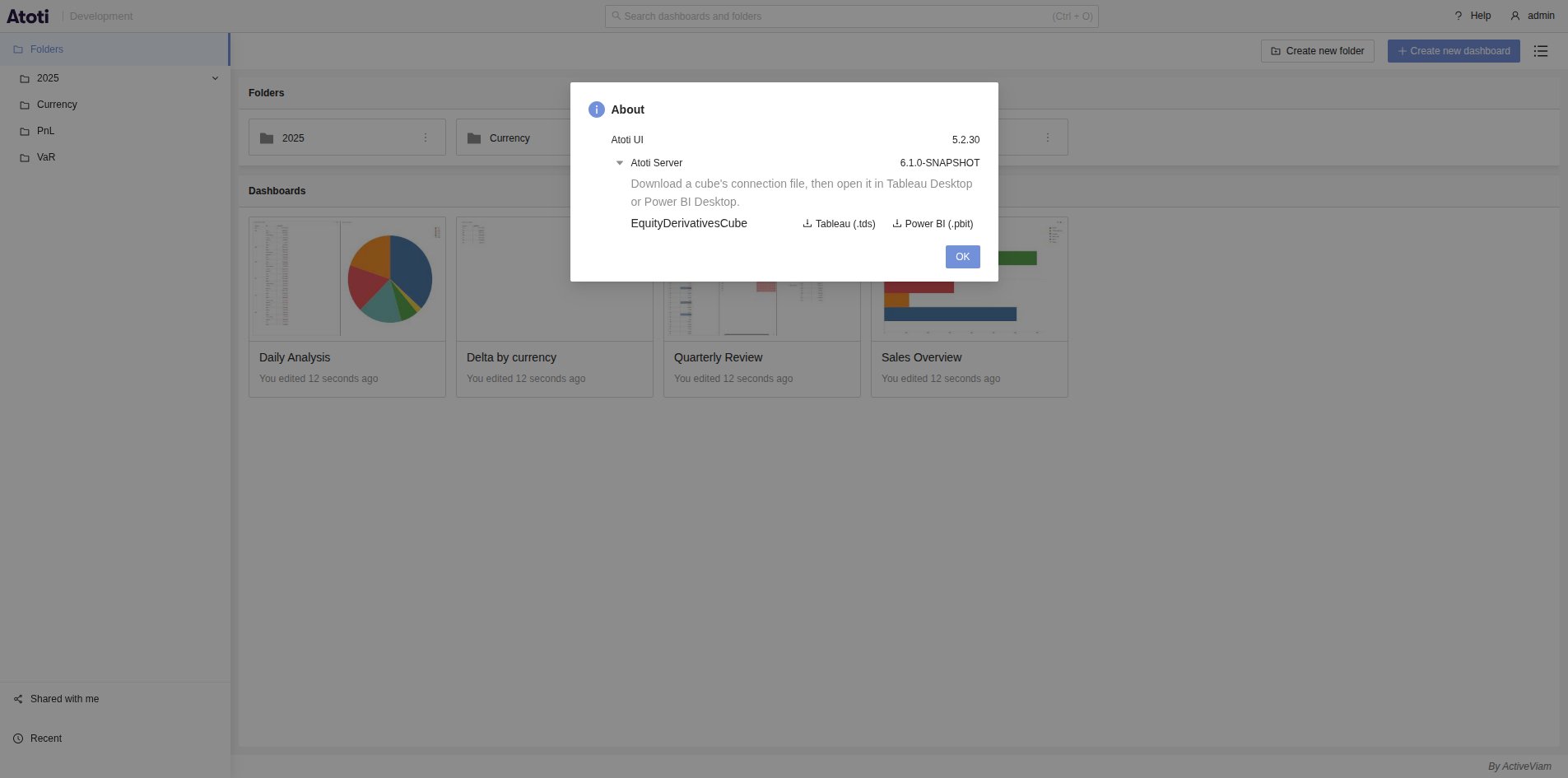
Only the servers exposing the BI adapter list their cubes in the About
popup. If you cannot find them, contact your system administrator.
Download the connection file of a cube
- Click Help in the header, then About.
- Expand the row of the server.
- Next to the cube, click Tableau (.tds) or Power BI (.pbit).
- Double click the downloaded file to open it in the installed tool.
.tds file is a Tableau data source, and a .pbit file is a Power BI template.