

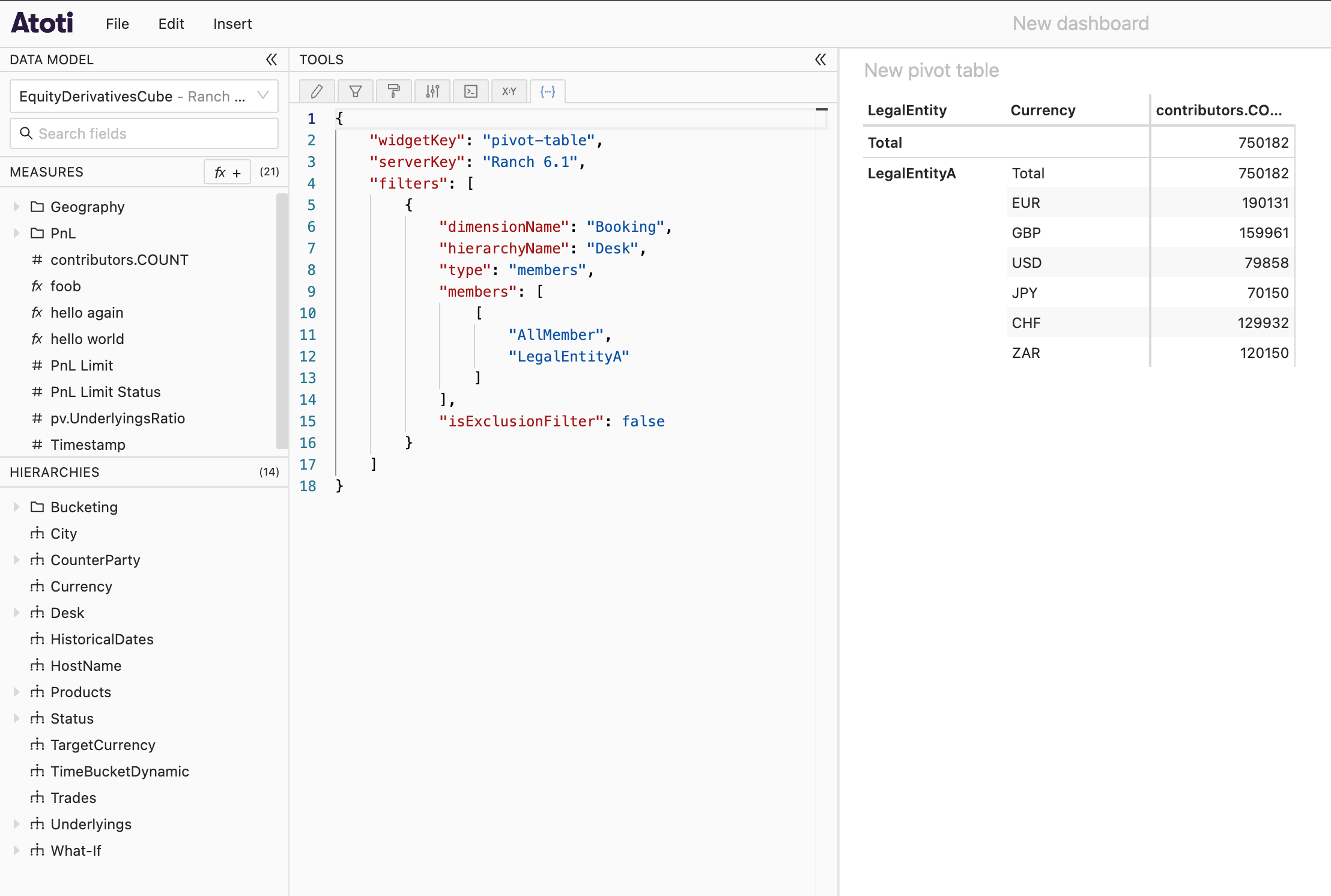
advanced-extension, which comes with Atoti UI but is not activated by default. On top of the State tab, this extension also contains:
- the Query context tab
- the Text editor widget
In a Python project
To activate the advanced extension in a Python project and make the State tab accessible, refer to this page.In a Java project
Make sure your project includes the Atoti UI Spring Boot starter. Then, create or edit the file atresources/static/atoti-ui/extensions.json and make sure you have the following entry into it:
In a standalone Atoti UI
Similarly, open the file namedextensions.json at the root of your folder and add the entry mentioned above into it.
If it is not already running, start your server. Then clear your browser cache and refresh your page as described above. The State tab should now be present in your application.