

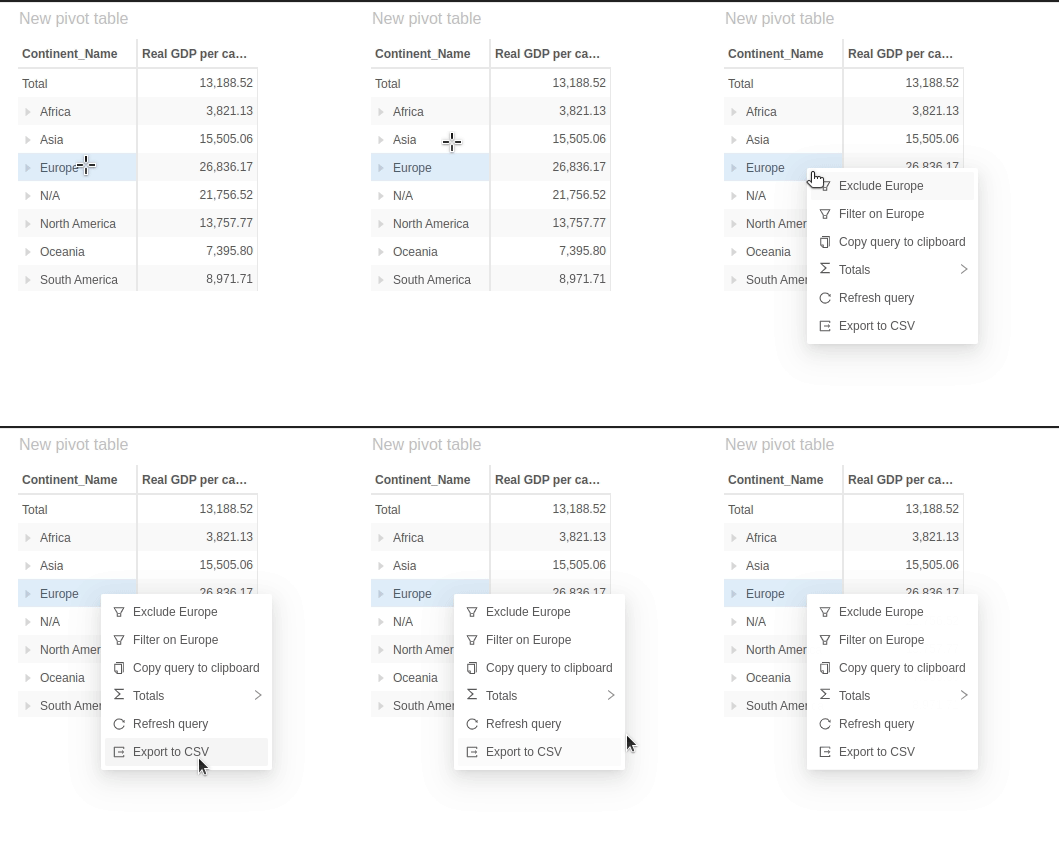
- Create a react hook that returns the menu item
- Create pluginMenuItem to make the new menu item available to the UI
- Register the new menu item and add it to relevant widgets
Menu item hook
Menu items in Atoti UI are plugins. The underlying library that Atoti UI uses is Ant design. You must retrieve the menu items through a hook. This hook needs:- an onClick prop which has the action after being selected.
- an icon which is displayed next to the menu item in the context menu
- a label which has the text in the menu.
Menu item plugin
The menu item plugin is an object containing all the information needed to register the menu item in Atoti. It needs:- a key to register the menu item
- useMenuItem to implement the action it should do.
plugins.ts.
It is put in the menuItemPlugins array:
- You can then wire its key to the chosen widget’s list of context menu items.
plugins.tsx: