

What does the direct approval process look like?
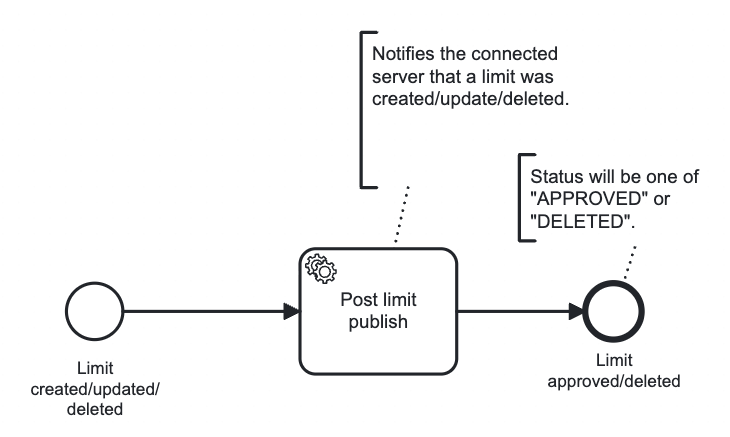
- Simplest possible workflow for managing limits where no approvals are required for limits to be created, updated or deleted.
What initializing variables are included in the limit-process-direct.bpmn workflow?
The following initializing variables are included in the workflow:Commentâ A text field for adding comments related to the limit.Attachmentsâ A file upload field for adding attachments related to the limit.
What user tasks are included in the limit-process-direct.bpmn workflow?
The workflow includes no user tasks.What service tasks are included in the limit-process-direct.bpmn workflow?
The workflow includes one service task that is executed in the workflow:Post limit approval service task
“Post limit approval” service task implementation
“Post limit approval” service task implementation
This example serves as a skeleton implementation not the default implementation. You may customize
this service task to meet your specific requirements. For more information see the section
on customizing service tasks.
- sets the workflow status to indicate that the limit creation, update, or deletion has been approved
- notifies the connected server of changes when a limit is updated or deleted.