Real-time updates
By default, tasks on this screen are updated in real-time. You can disable/enable real-time updates by clicking the pause/play button next to the table configuration button: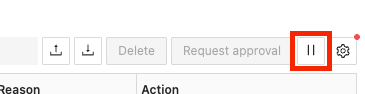
To have more than six open connections for real-time updates, you must have HTTP/2 enabled.
This is a limitation of Server-sent events,
which are used to send the updates. You can enable HTTP/2 by setting the
spring.http2.enabled
property to true in the application.yml file.Note that you must be using a secure connection
for this to work. To secure your application, contact your network administrator.Table columns
The screen contains a table displaying your task definitions.
Filters
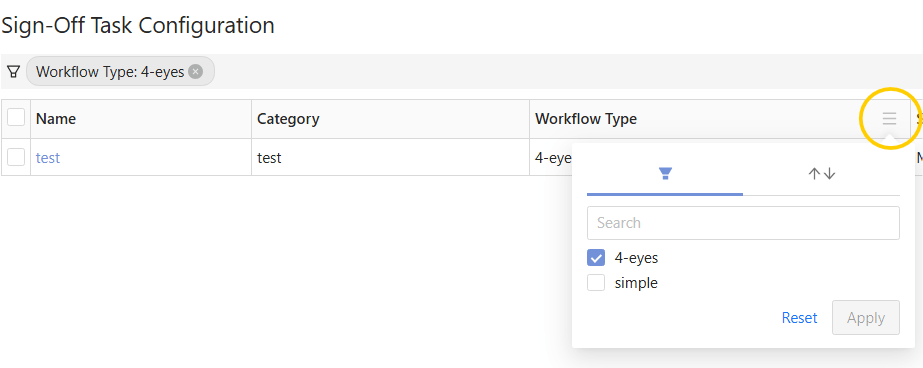
In the column headers you can filter the table values.