Displaying the Basel Framework dashboards
Atoti FRTB comes with an analytical tool and a set of pre-defined dashboards displaying the risk metrics. Ask your IT administrator for access to the application’s URL. After launching the application, click the ActiveViam icon in the top-left corner to open the Dashboards gallery. This presents the list of available dashboards. This tutorial covers the Basel Framework dashboards: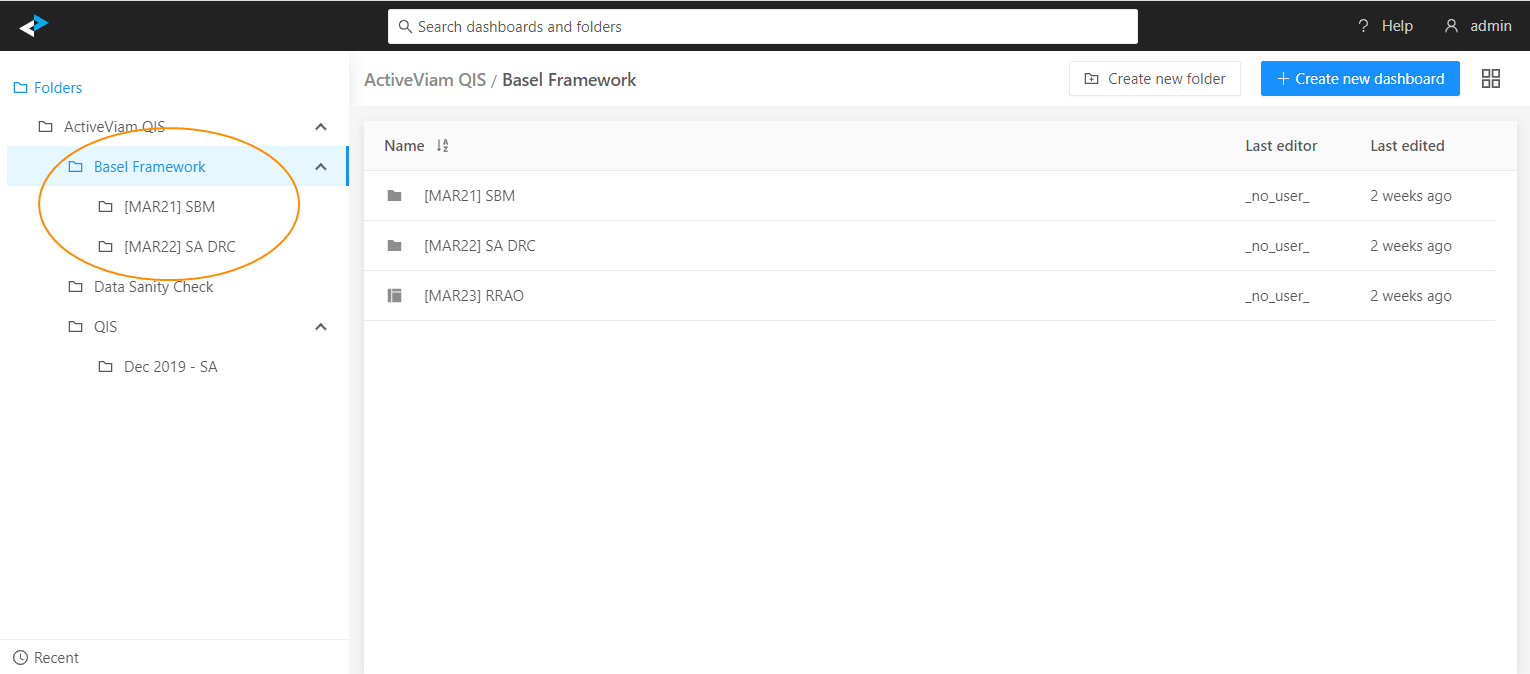
Example: [MAR21] SBM
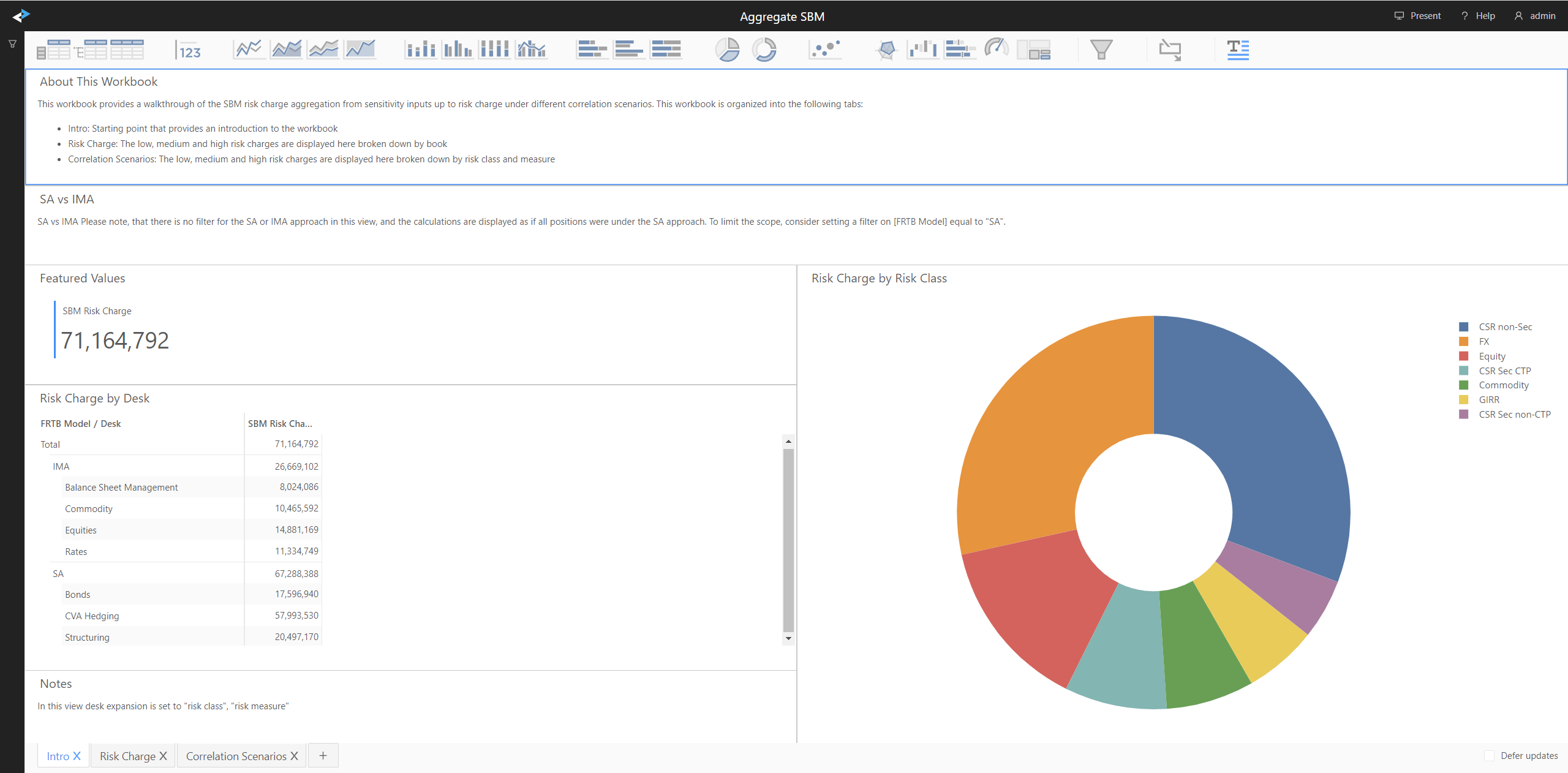
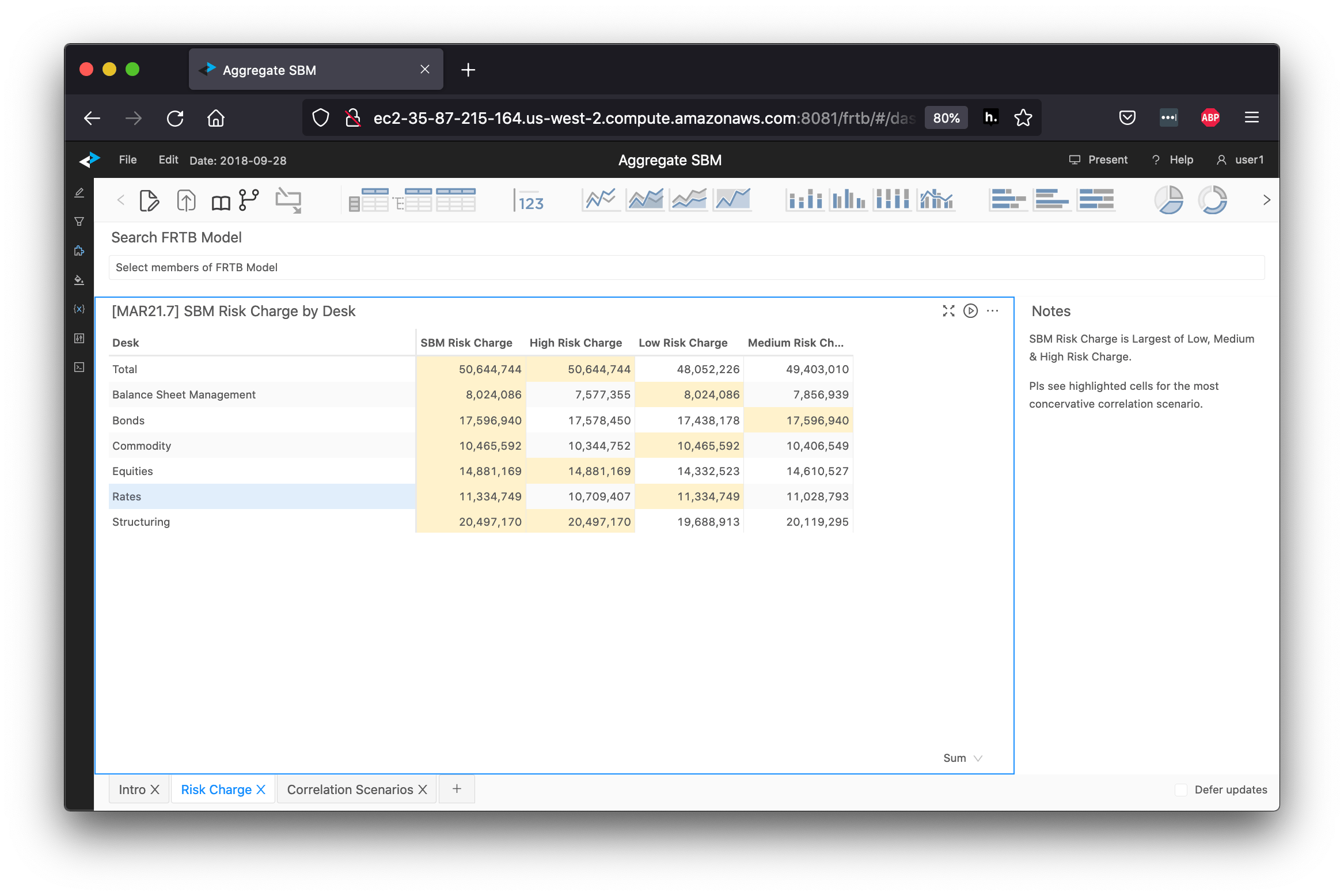
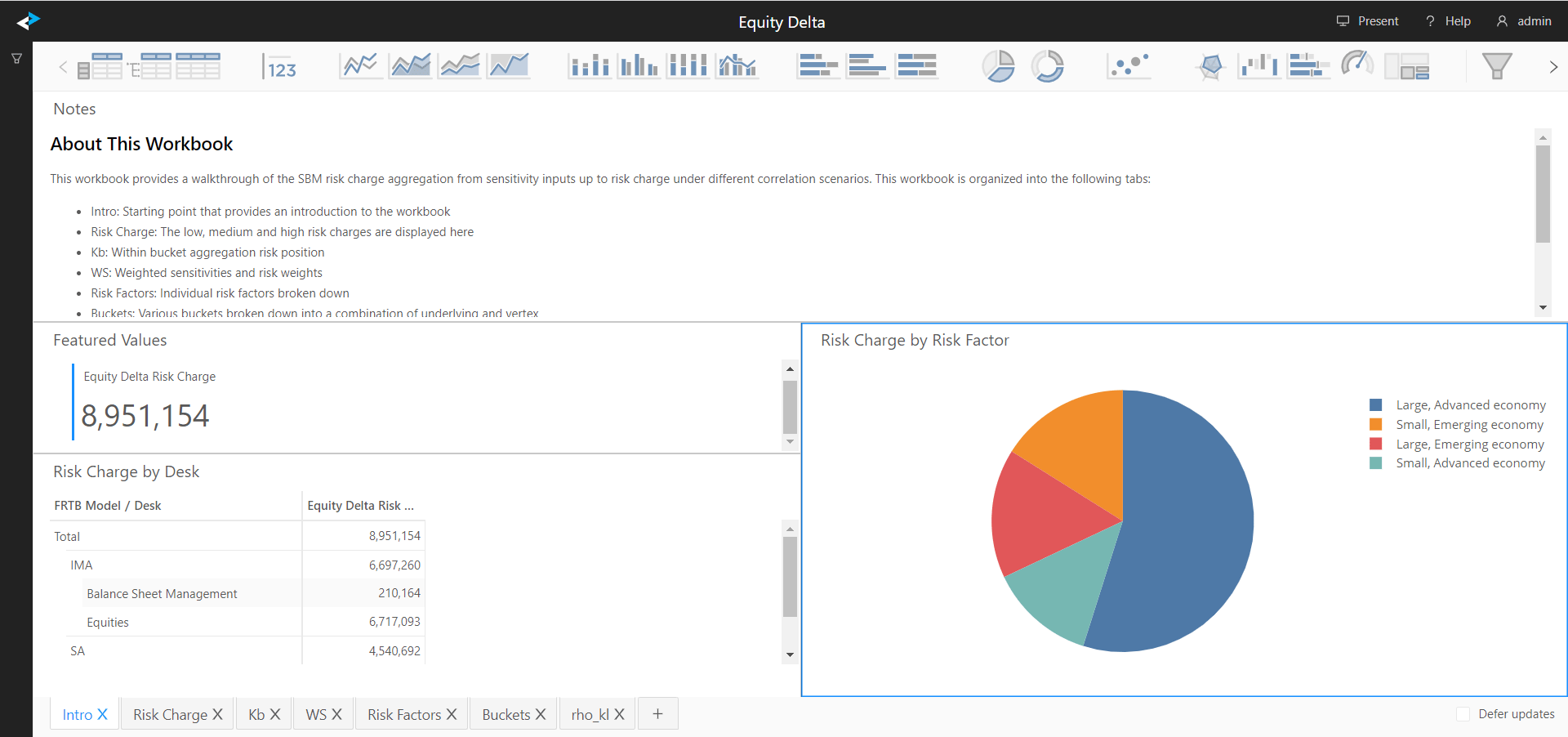
This example reviews the dashboards under the [MAR21] SBM folder. The Aggregate SBM dashboard provides a summary of the SBM risk charge by desk.