

Validating correctly-loaded data with the Data Sanity Check dashboard
Atoti FRTB comes with a set of pre-defined dashboards visualizing the risk metrics. When the application is launched, the list of dashboards available appears on the left navigation bar. This tutorial covers the Data Sanity Check summary dashboard: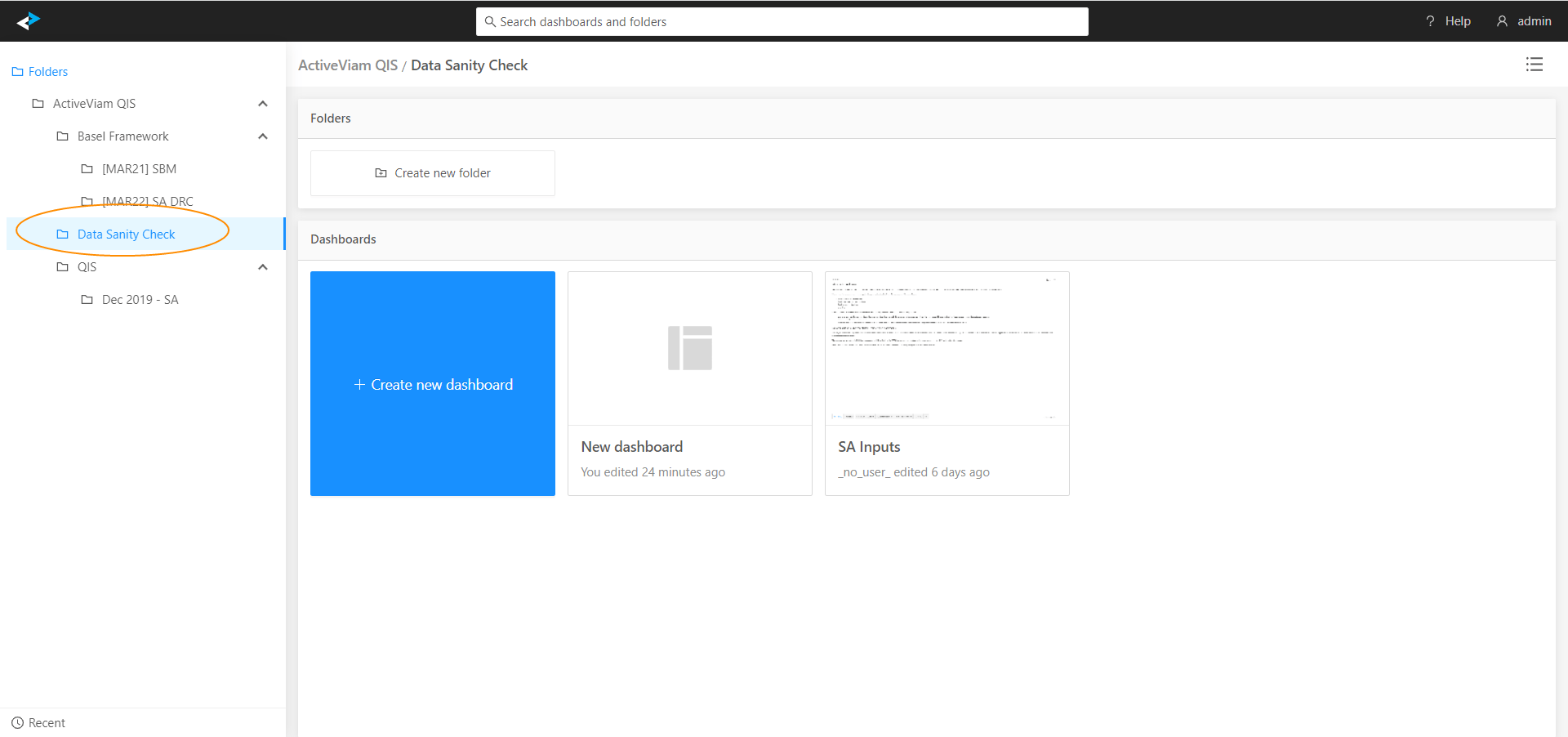
SA Inputs dashboard
In this version of Atoti FRTB, pre-configured views are provided for checking the SA Inputs.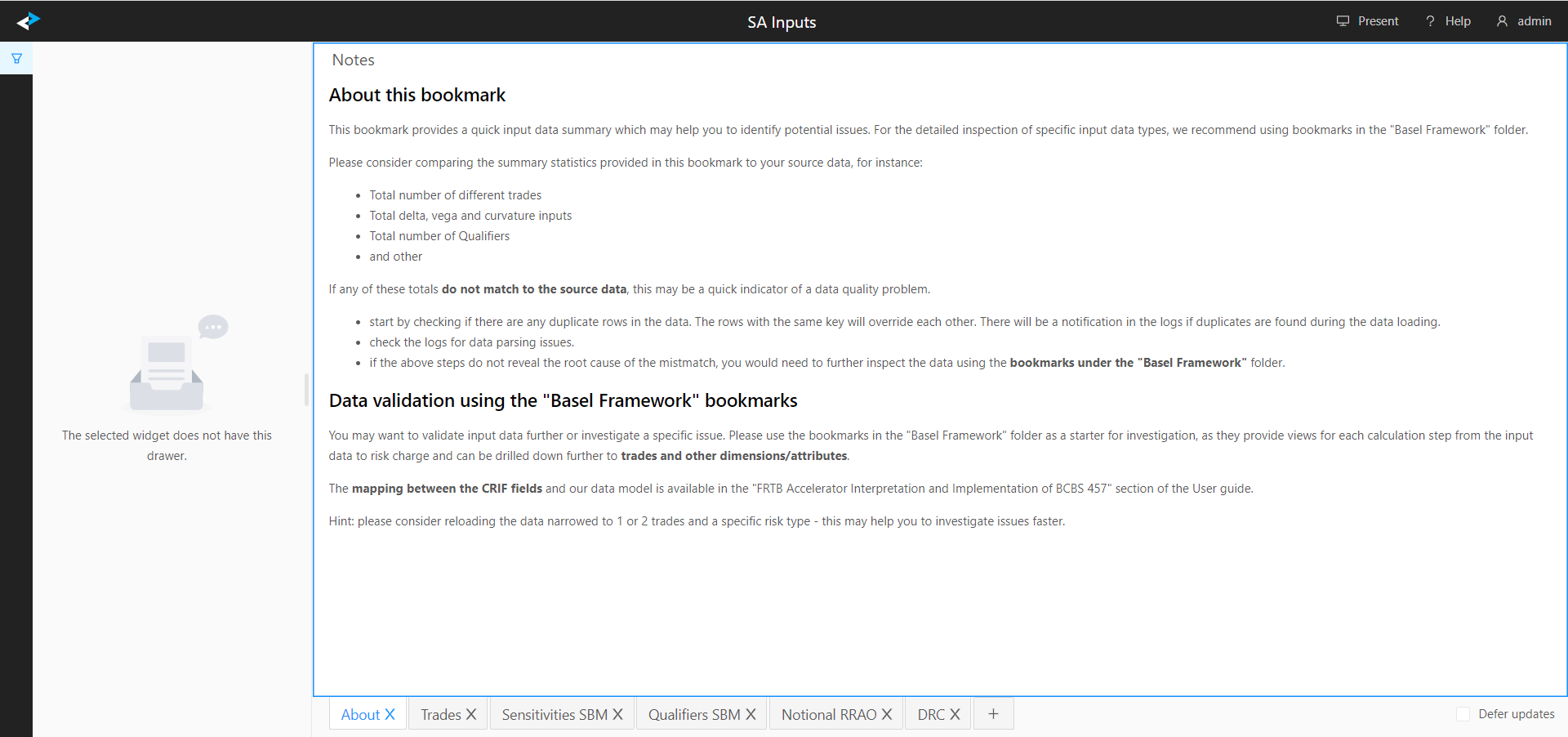
Although this dashboard helps identify potential issues faster, checking these views does not guarantee that all input fields are populated correctly. The views in this dashboard can help to reveal file parsing errors and provide a quick input data summary.
Further data validation
You may want to validate input data further or investigate a specific issue. For this, use the dashboards in the “Basel Framework” folder as a starting point. They provide views for each calculation step from the input data through to the risk charge. You can drill down further to trades and other dimensions or attributes.- Atoti FRTB
- FRTB SA QIS
If you have loaded the data using the Sensitivity files format, you can find the mapping between the CRIF fields and our data model in this section: Interpretation and Implementation of BCBS 457.
See also
- The user interface features in the Atoti UI User Documentation