Evaluate limit structures
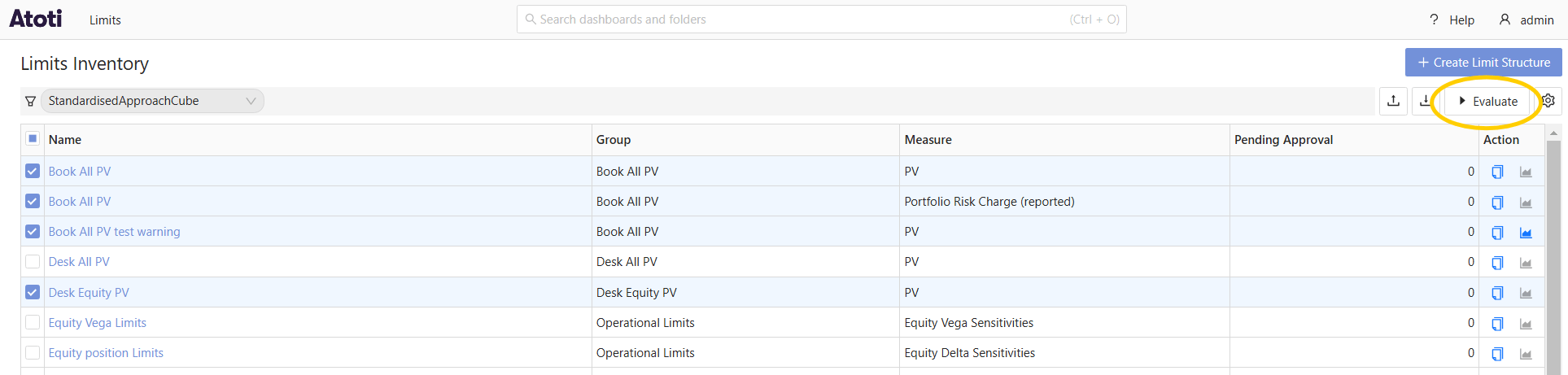
To evaluate a limit structure:- In the Inventory screen, select the checkboxes of the limit structures you want to evaluate and click the Evaluate button.
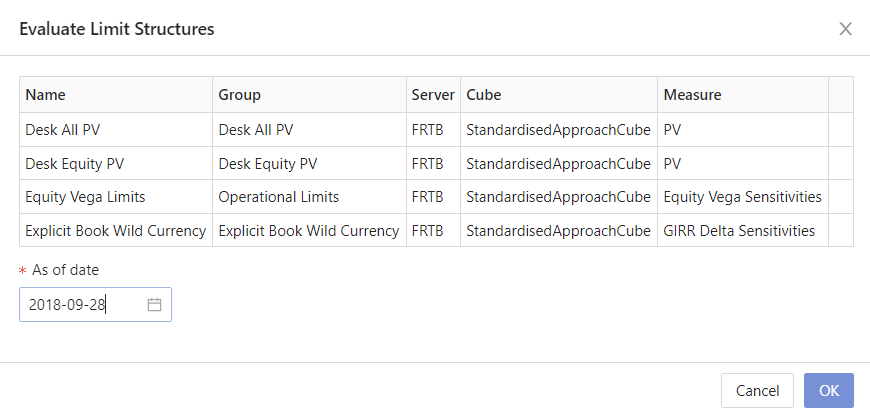
- Fill in the As of date to perform the evaluation against.
- Click OK. The table is updated to display the number of breaches and warnings that have been raised as a result of your evaluation.
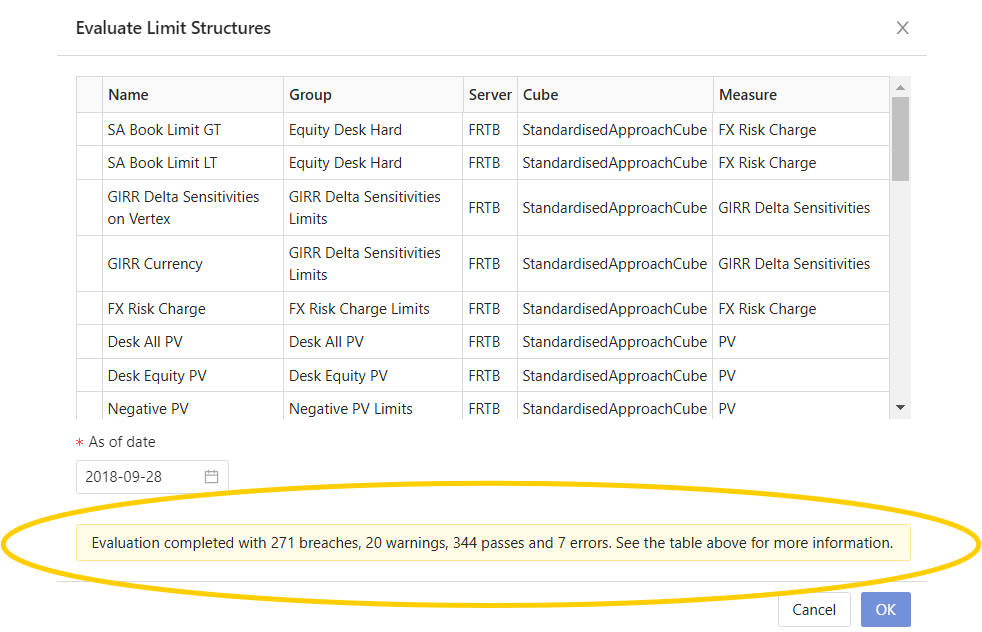
- Click the Close (X) button in the top right to close the Evaluate Limit Structures dialog.
Re-evaluating a limit
After an incident has been observed, you may want to adjust your exposure and re-evaluate the limit. To do this:- Navigate to the Status screen by clicking Limits > Status in the top left corner of the UI.

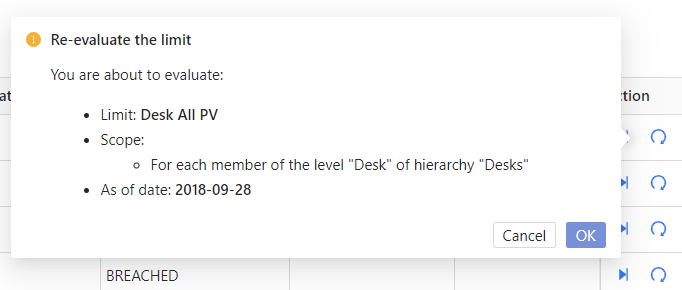
- Find the limit to re-evaluate, and in the Actions column on the right, click the Re-evaluate button.