

Context Values
The confidence level context values (ESConfidenceLevel, ETGConfidenceLevel, VaEConfidenceLevel, VaRConfidenceLevel) can be used to override the default confidence level in their respective calculations.
PercentileBuckets
Controls the number of buckets used by the distribution histograms. If a user changes it to, say, 10, the PnL values are re-bucketed and the distribution charts updated.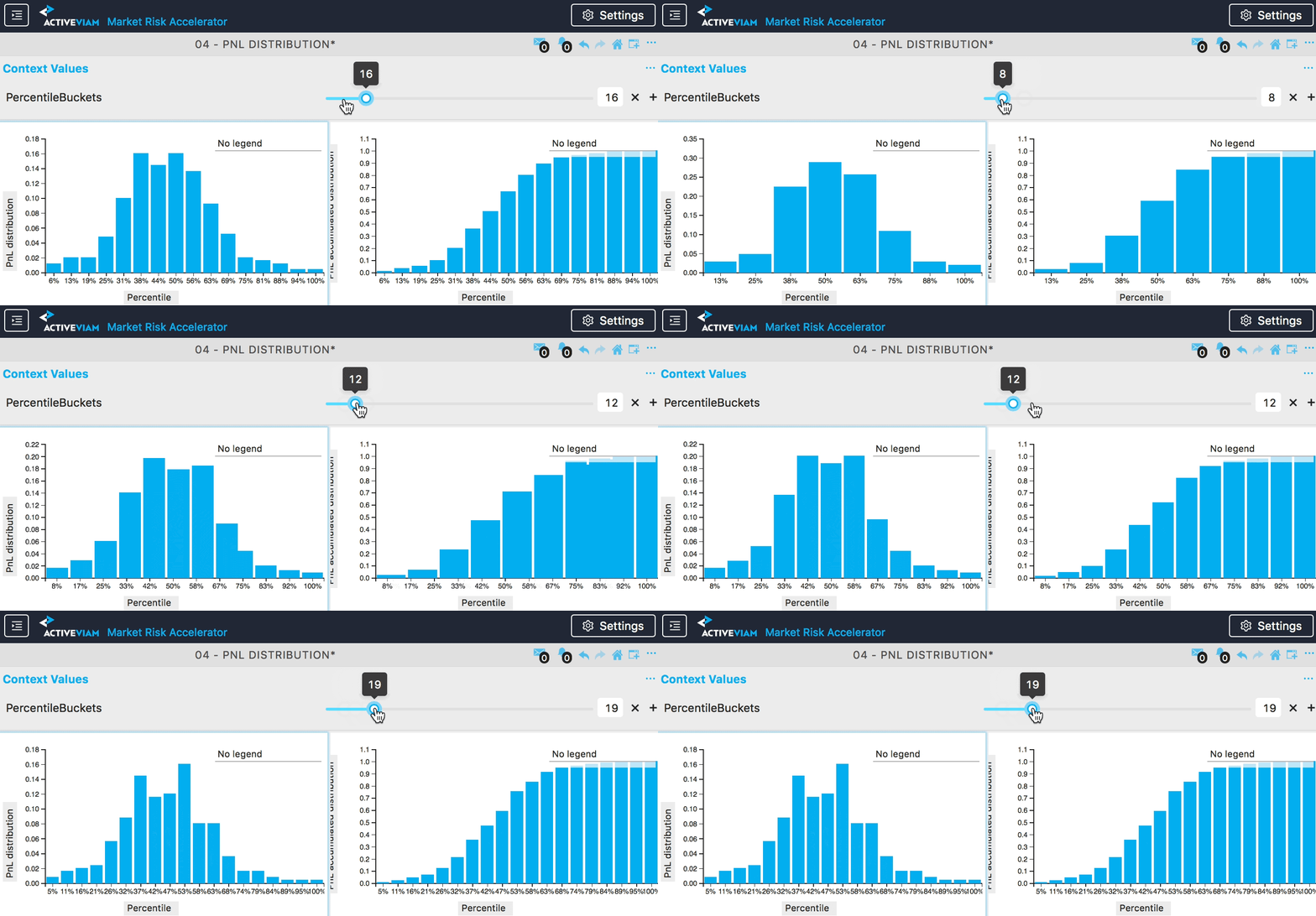
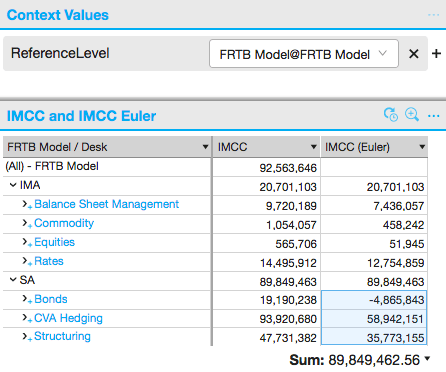
ReferenceLevel
The ReferenceLevel context value sets the cube level used to build a drill-up location that serves as a reference for comparison (it drives the reference-level shift post-processor). The reference location is the grand total (“Enterprise”, the top of house), except for the selected level, which is taken from the current location. The default empty slot behaves like this top location. Levels are given inLevel@Hierarchy form (for example, Desk@Desks or Level 5@BookHierarchy). The list of selectable levels is configurable through the mr.cubes.context-values.reference-levels property in the Common module properties, which defaults to:
- (empty): the top location (Enterprise / grand total)
Book@BooksDesk@DesksLegal Entity@Legal EntitiesLevel 1@BookHierarchy,Level 2@BookHierarchy,Level 3@BookHierarchy,Level 4@BookHierarchy,Level 5@BookHierarchyLevel 1@LegalEntityHierarchy,Level 2@LegalEntityHierarchy
VaRTimePeriod
Works in conjunction with theLiquidity Horizon field in the Scenario input table. Scales VaR vectors to the specified time period using the Square Root of Time rule.
Example: If scenarios contain both 10-day and 1-day vectors and VaRTimePeriod is set to 1, the 10-day vectors are normalized to 1 day while the 1-day vectors are unchanged.
10-day VaR and 1-day VaR should not be aggregated; Liquidity Horizon should be used as a slicing hierarchy.