

Overview
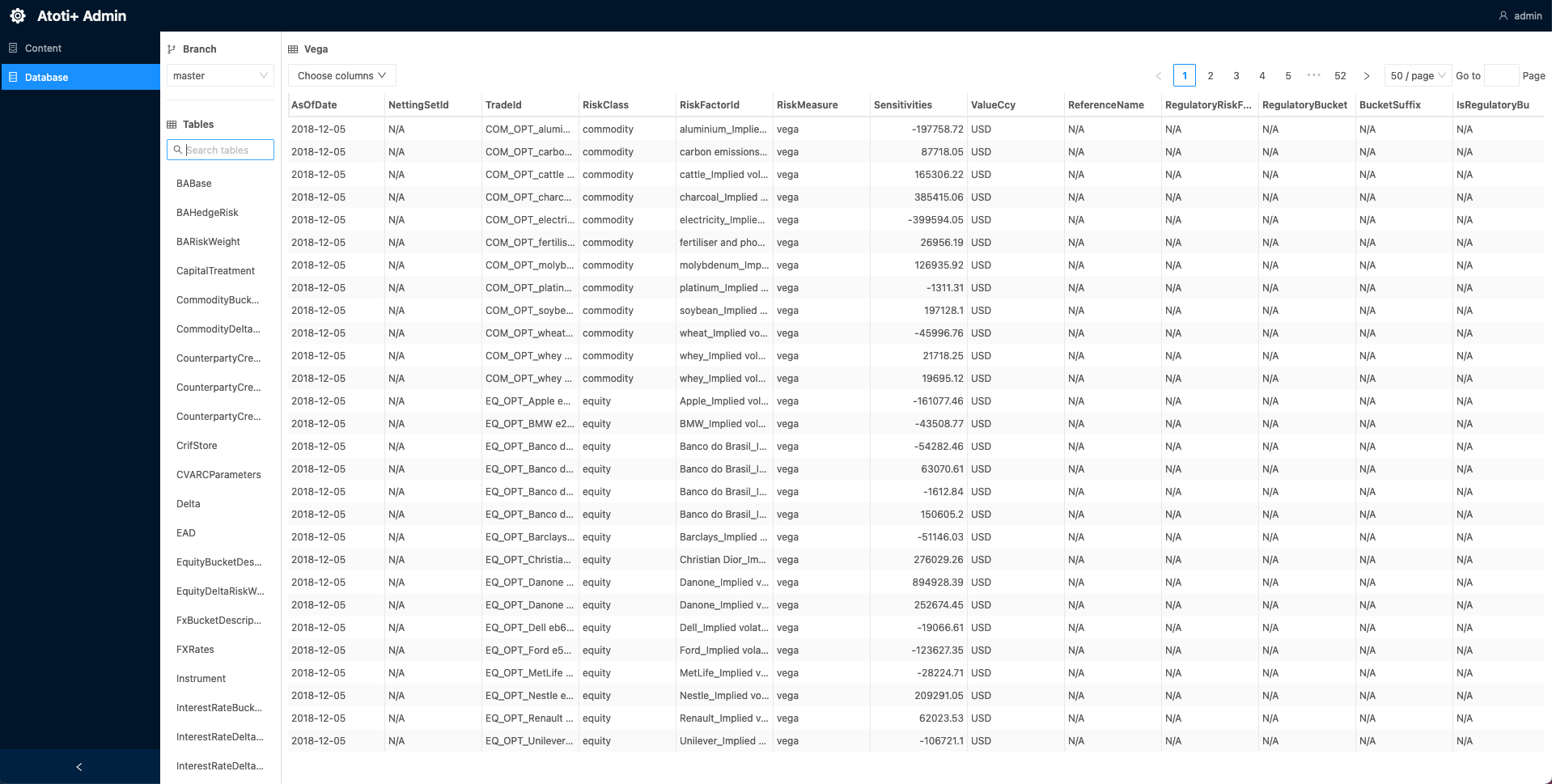
The Admin UI is a user interface to interact with the Content Server and view the contents of the Datastore. For more details, see the Atoti Server documentation.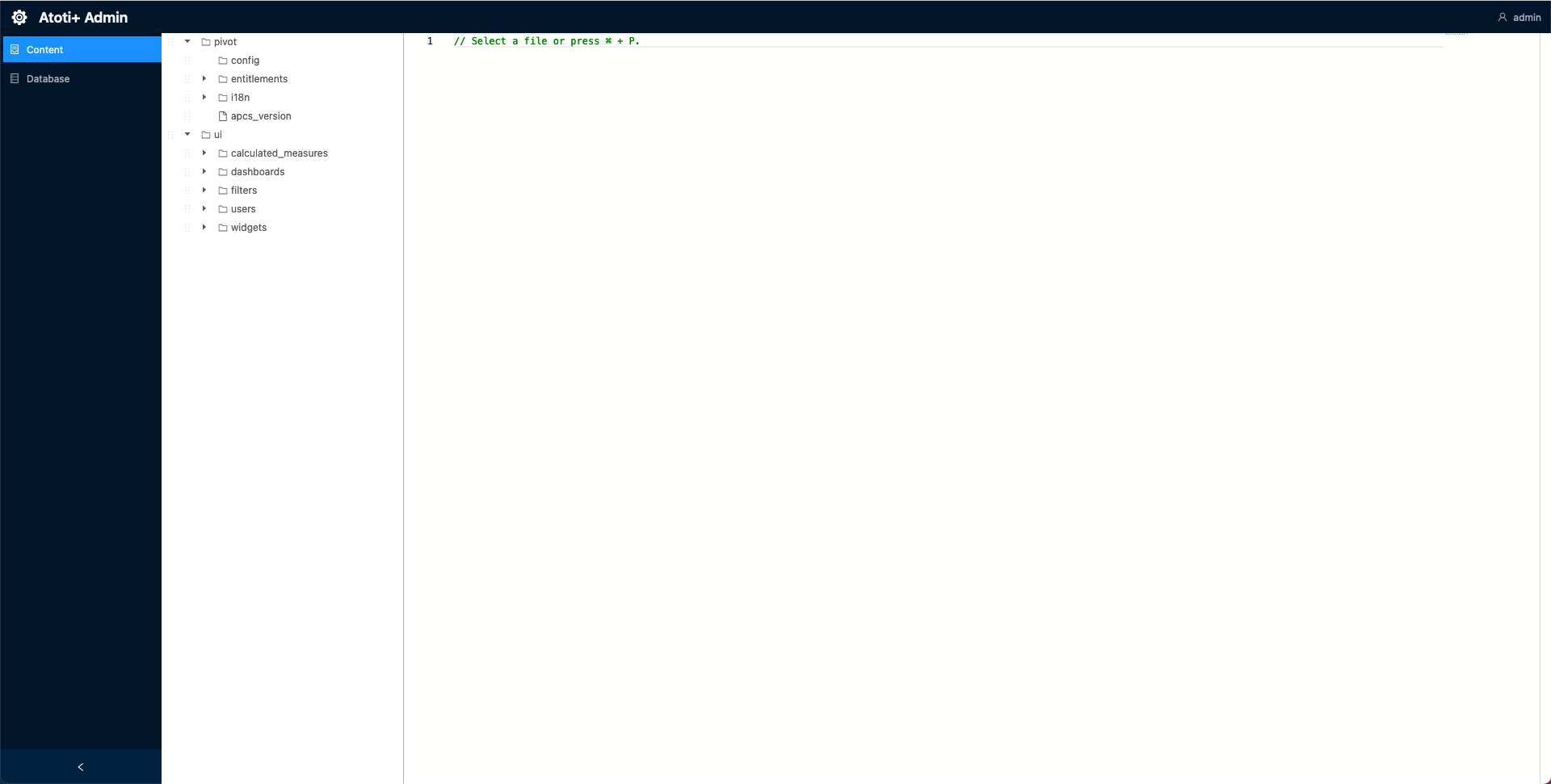
Configuration
The Admin UI dependency is imported into the application by default. To set it up:- Create a new directory,
admin-ui, within./src/main/resources/static. - Add the
env.jsfile to/static/admin-uidirectory:
- Import the
env.jsas a static resource. This can be accomplished by registering a new static resource handler to theResourceHandlerRegistry.
ResourceHandlerRegistry fluent API:
- Configure security for the Admin UI. This can be done in its own configuration class by creating a new
SecurityFilterChainbean. The Admin UI is secured by default, so the security must be configured to allow access to the Admin UI. Here is an example of how to configure the security for the Admin UI:
Accessing the Admin UI
To access the Admin UI, after starting up Atoti FRTB, navigate to the URL below and enter the relevant credentials:http://localhost:8080/frtb-starter/admin/ui/index.html