

Overview
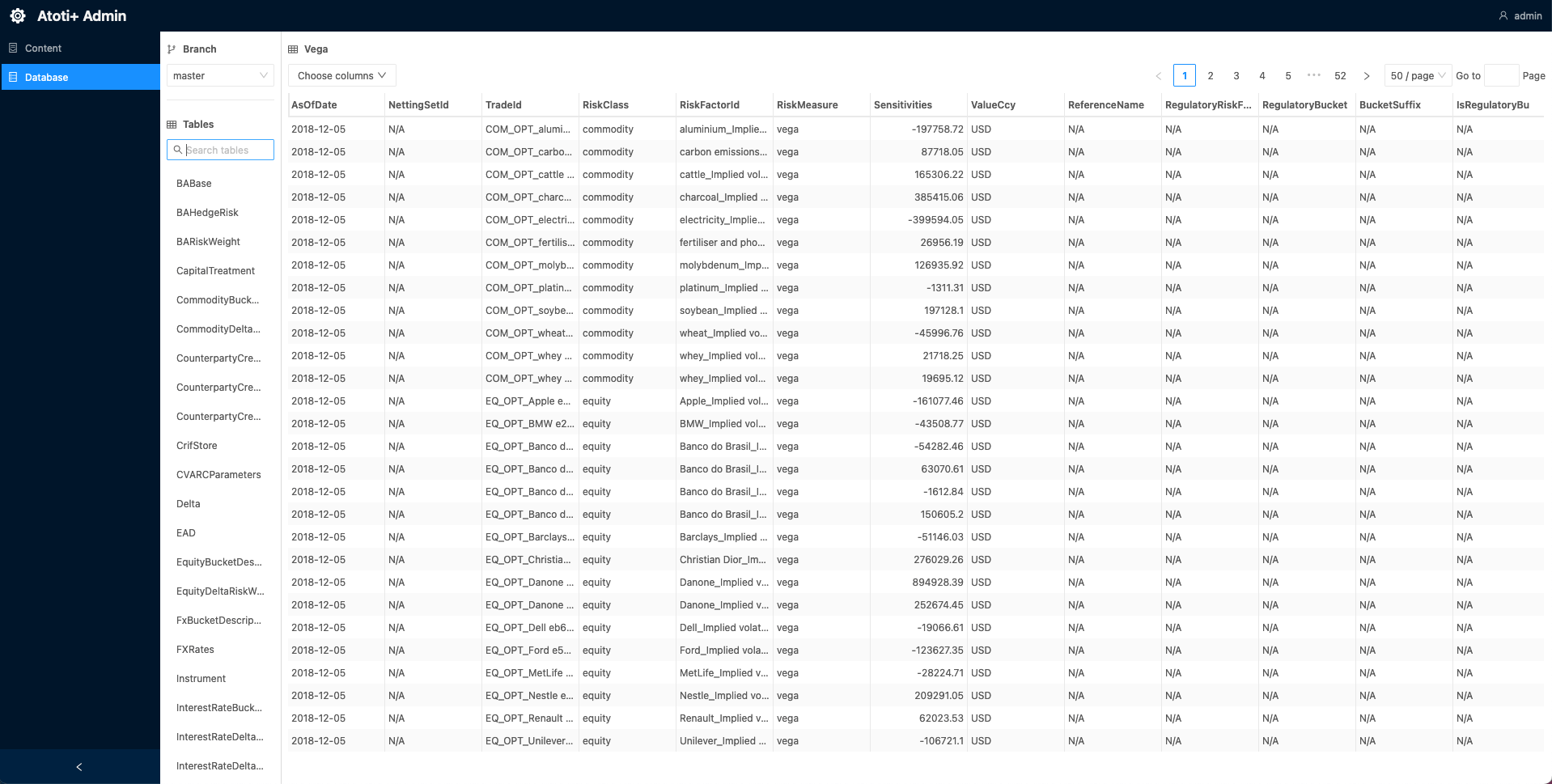
The Admin UI is a user interface to view the contents of the Content Server and the datastore. For more information on the Content Server, see Atoti Server documentation Atoti Server Content Server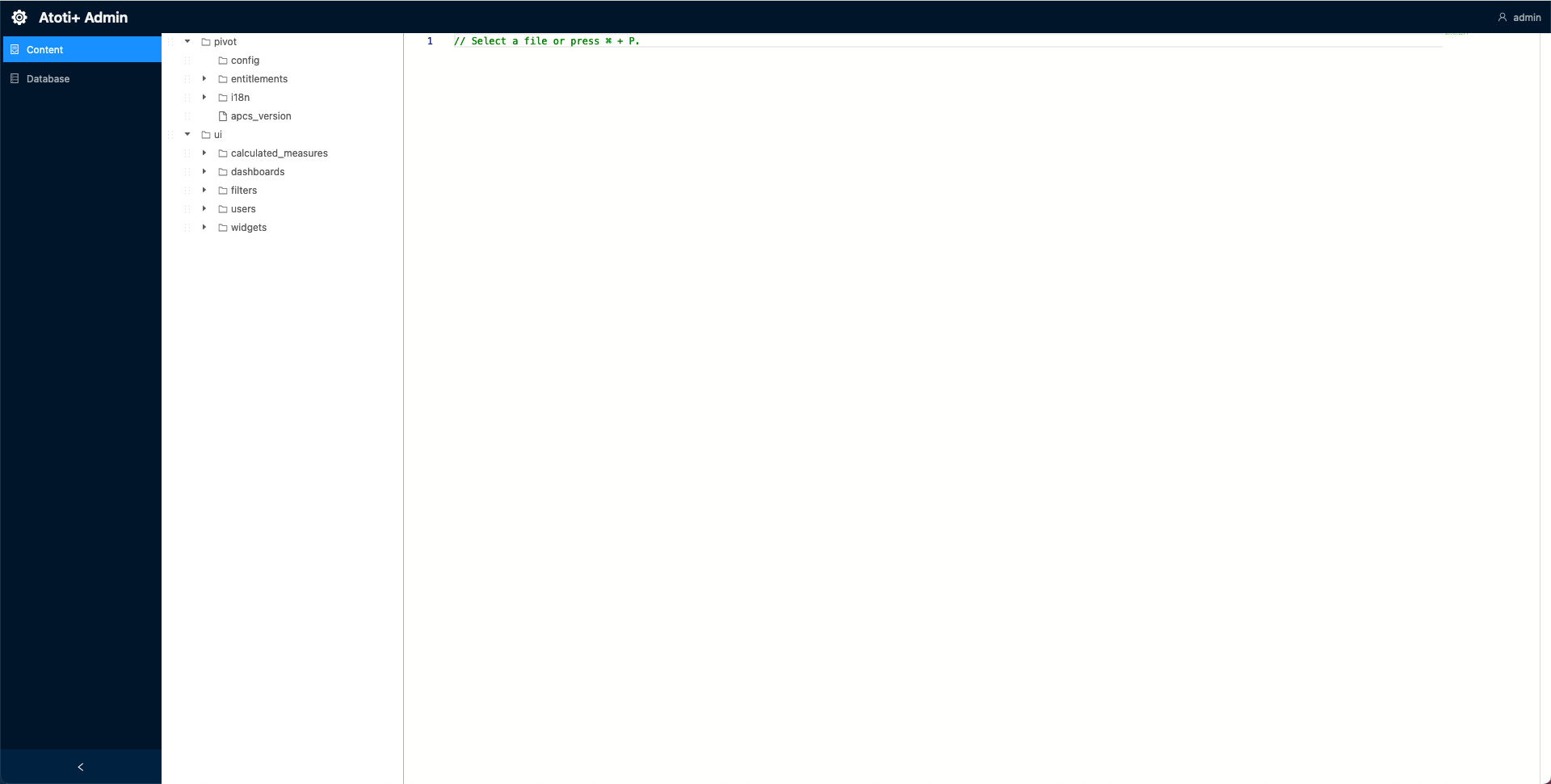
Set up the admin UI
To set up the Admin UI:- Import the admin-ui dependency into the
cvarc-applicationmodule:
As of version 6.0.0, the Admin UI is included via the
atoti-admin-ui-starter dependency.- Create a new directory,
admin-ui, within./cvarc-application/src/main/resources/static. - Add this
env*.jsfile to/static/admin-uidirectory:
Keep the
6.1.x form rather than substituting a specific patch version. The Admin UI requires this format due to a known compatibility issue.-
Import this
env*.jsas a static resource. This can be accomplished by registering a new static resource handler to our ResourceHandlerRegistry. Here is a snippet of how to add a new static resource with the ResourceHandlerRegistry fluent API: