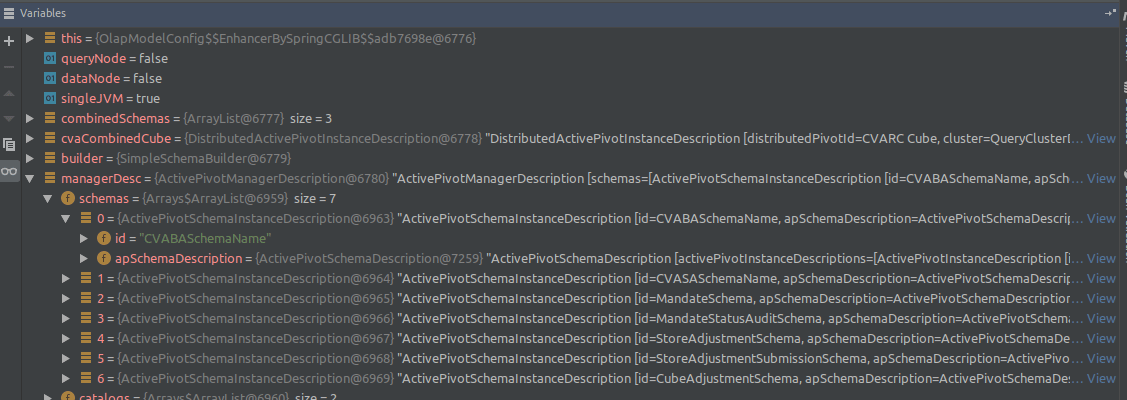
Step 1 - finding manager description
Navigate to the method managerDescription() inside of /cvarc-starter/src/main/java/com/activeviam/cvarc/starter/cfg/impl/OlapModelConfig.java and place a break point on the return statement found at the end of the method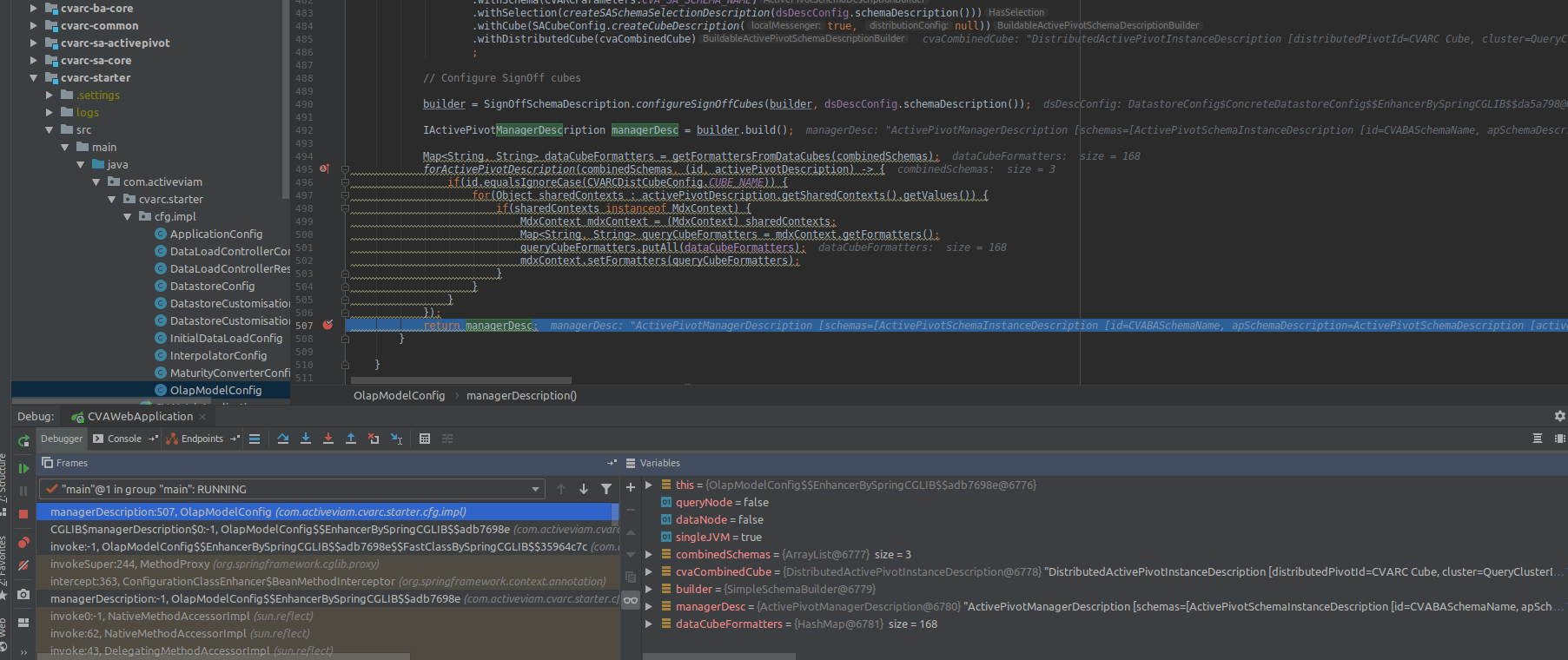
Example 1: dimensions
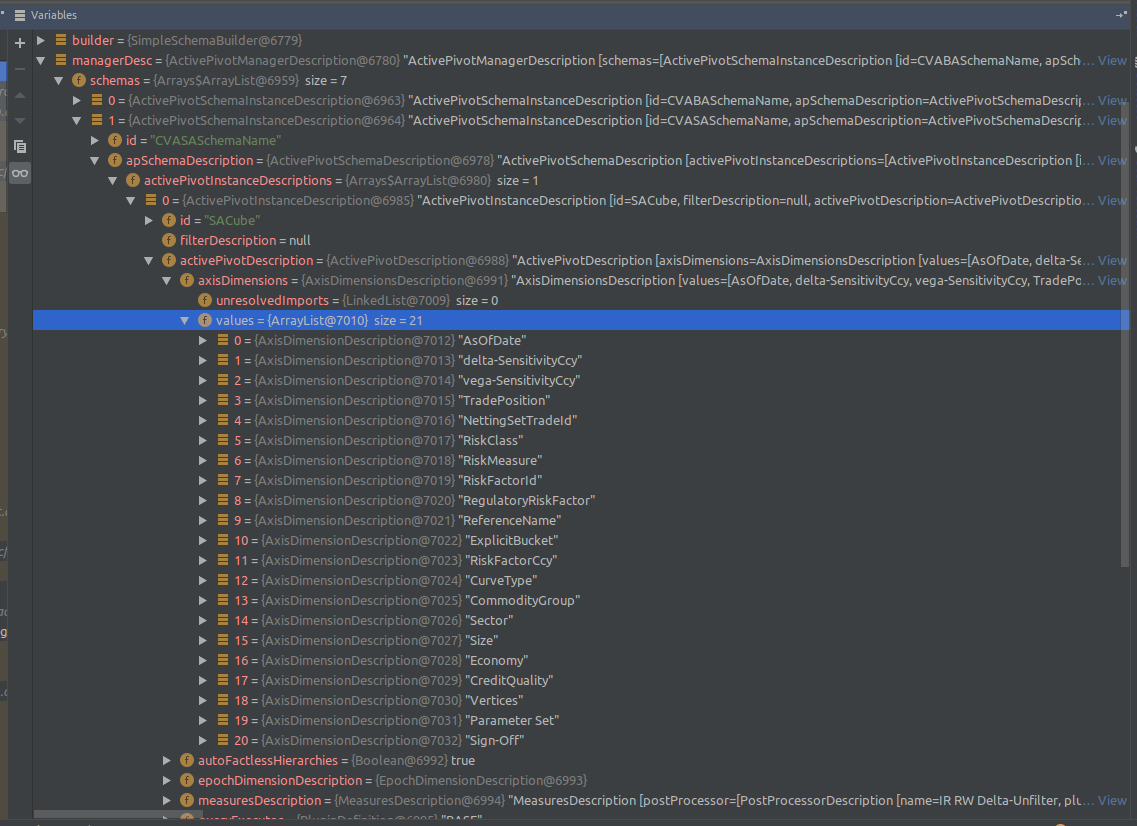
managerDesc.getSchemas().get(1).getActivePivotSchemaDescription().getActivePivotInstanceDescriptions().get(0).getActivePivotDescription().getAxisDimensions().getValues()
Example 2: measures
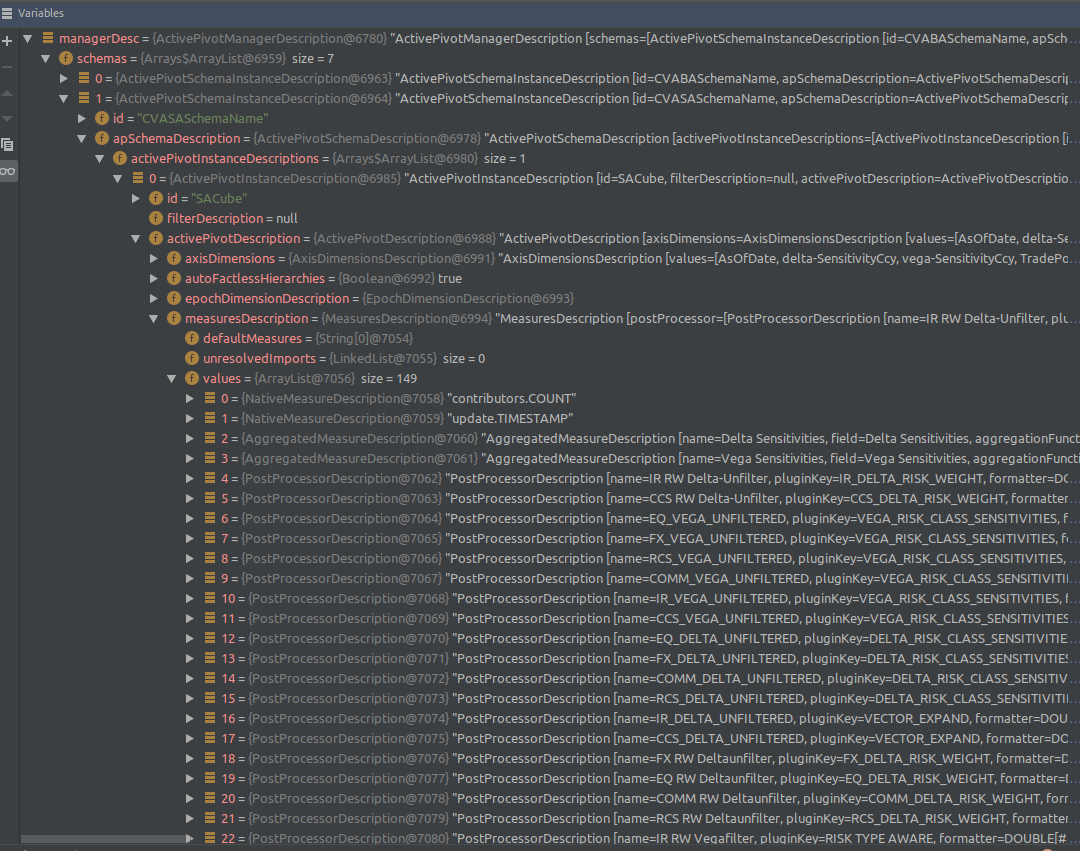
managerDesc.getSchemas().get(1).getActivePivotSchemaDescription().getActivePivotInstanceDescriptions().get(0).getActivePivotDescription().getMeasuresDescription().getValues()