

Overview
The Admin UI is a user interface to view the contents of the Content Server and the datastore. For more information on the Content Server, see Atoti Server documentation Atoti Server Content Server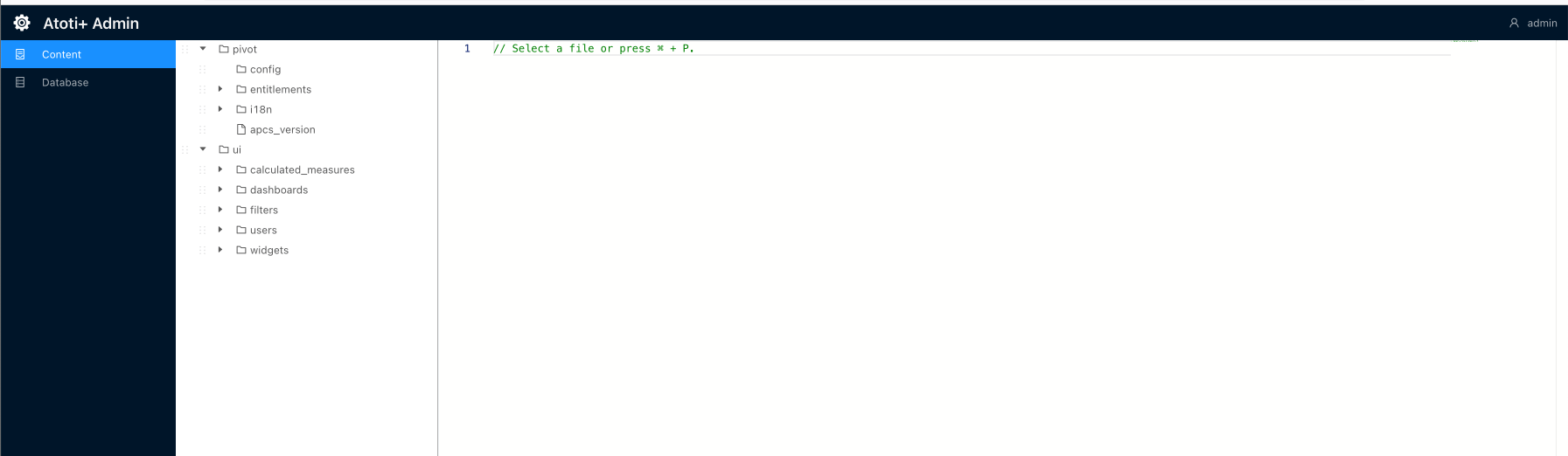
Set up the Admin UI
To set up the Admin UI:- Import the admin-ui dependency into the
simm-startermodule:
- Create a new directory,
admin-ui, within./simm-starter/src/main/resources/static. - Add this
env*.jsfile to/static/admin-uidirectory:
- Import this
env*.jsas a static resource. This can be accomplished by registering a new static resource handler to our ResourceHandlerRegistry.
Here is a snippet of how to add a new static resource with the ResourceHandlerRegistry fluent API:
- Update the resource location in
ContentServerResourceServerConfigconfiguration class to point to the new static resource. In this case, we are pointing toadmin/uiURL path. This step will only applies if the Atoti ISDA-SIMM solution is NOT on Atoti Server 6.0.
- See “Access the Admin UI” section to navigate to the Admin UI.
Access the Admin UI
To access the Admin UI, after starting up Atoti ISDA-SIMM, navigate to the URL below and enter your credentials.https://localhost:12000/simm-starter/admin/ui/index.html