

Overview
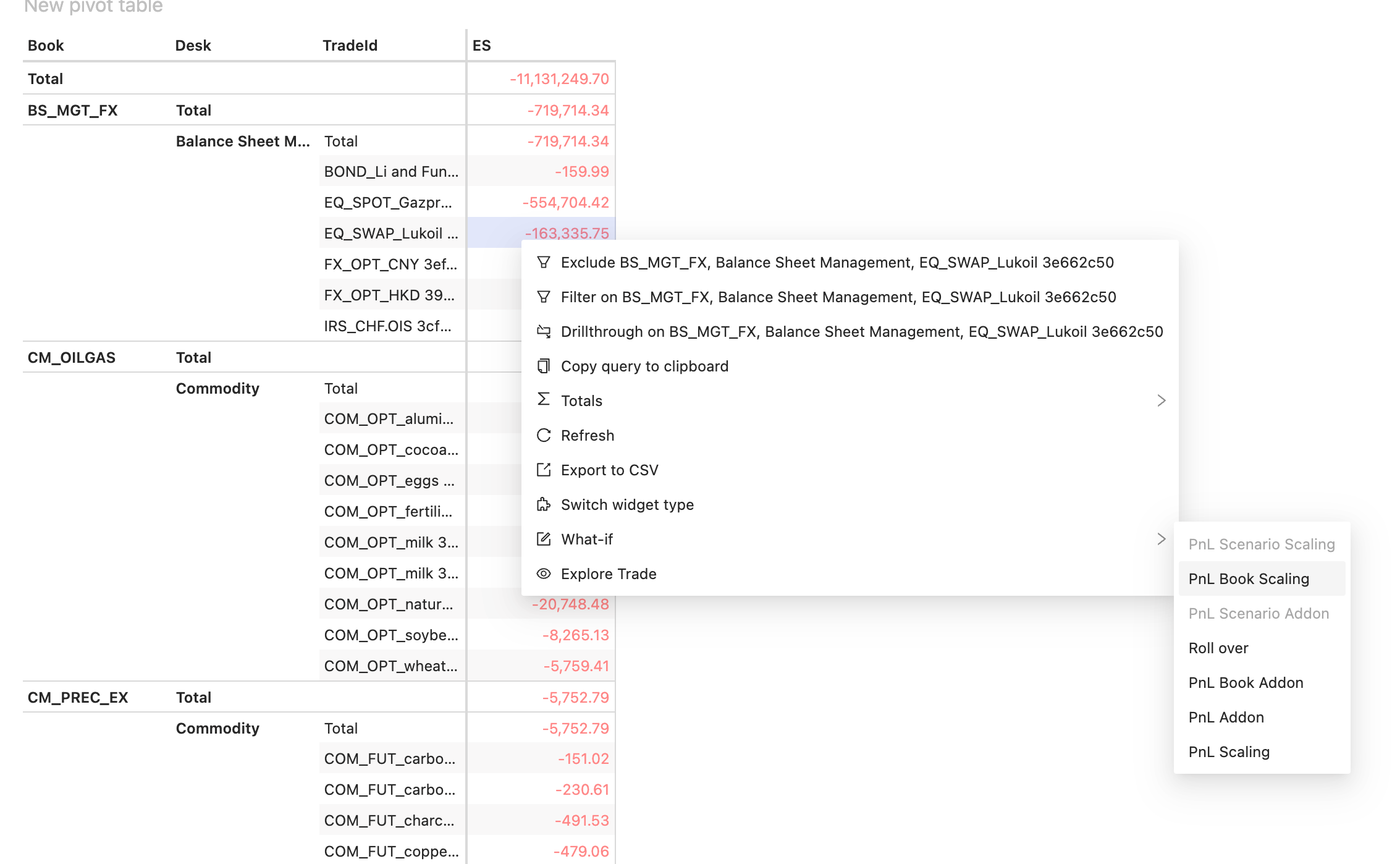
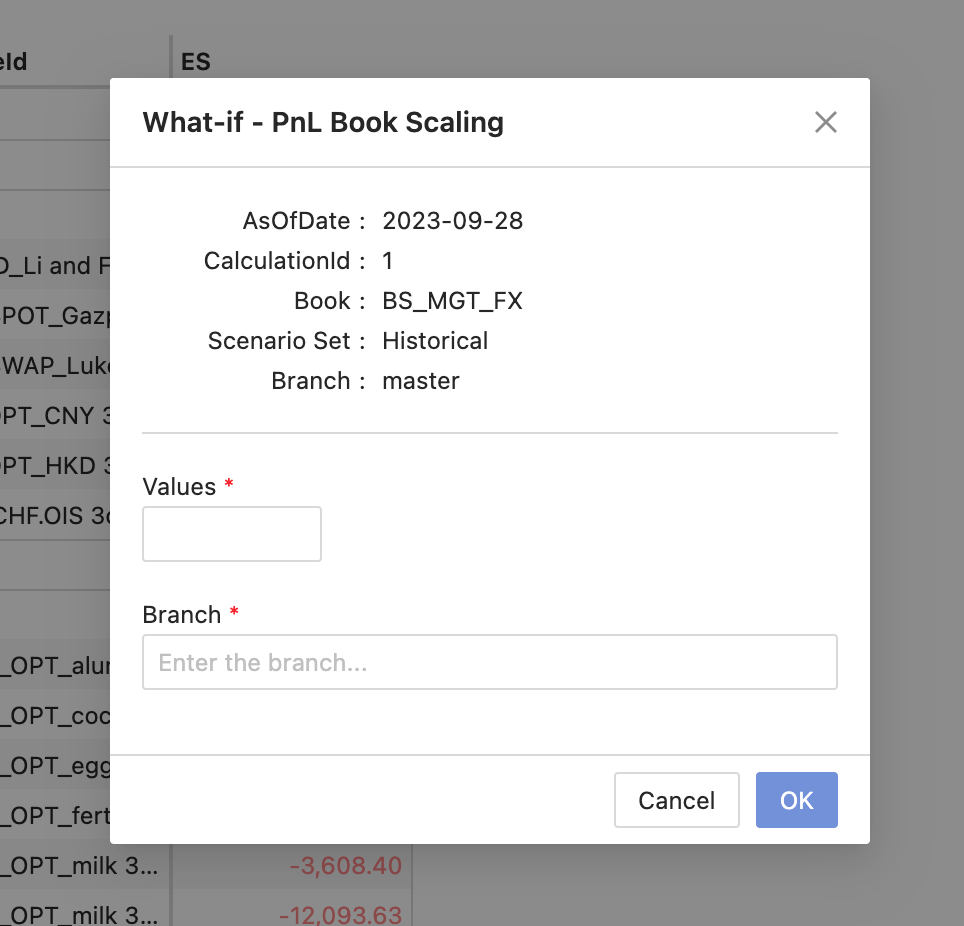
This plugin allows you to perform a what-if simulation to display instant recalculations and incremental impact on a given measure for a predefined set of levels. To use this feature, right-click on a measure and select the What-If option from the context menu. The options you can select are determined by the configuration on the server. This will open a dialog box where you can enter your inputs to execute the simulation.
Availability
Settings
None: an empty object signals that the widget is enabled for the given server.How to disable it
Disable universally
To disable this feature for all solutions, add this line at the end of your extension’sactivate function to unregister the plugin:
Disable for specific servers
To disable this feature for a given server, you must delete this feature’s settings for that server key by altering thebasSettings parameter before calling the activate function.
Example
Disabling this feature for the MR server only: