- Desk reclassification (IMA/SA)
- Trade scaling
- Parameter set changes (including correlation and risk weight)
- Datastore changes
Types of What-If analysis
- Desk reclassification. See Switch Desk What-If Tool
- Scaling: adjust the trade data by a given percentage or an absolute amount. See FRTB Trade Scaling
- Parameter set changes. See Parameter Sets What-If Widget
- File upload: create or append a What-If scenario by uploading CSV files into the cube. See File Upload
- Simple datastore changes: modify data in the datastore. See Simple Datastore Changes
Branches
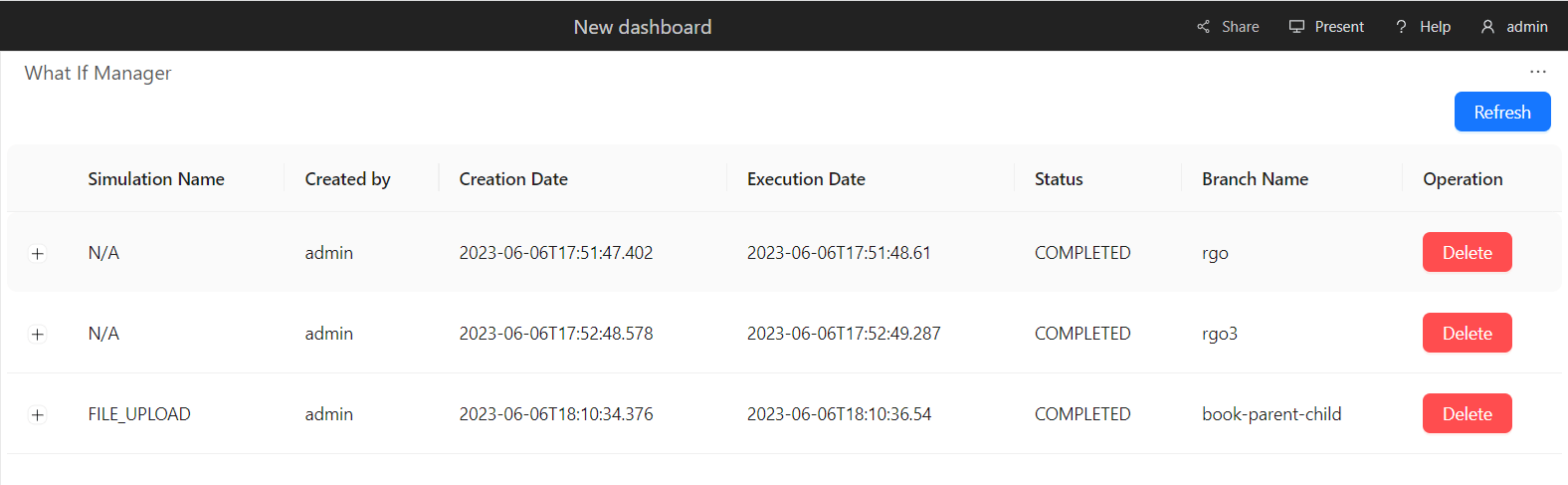
Each simulation you run creates a separate cloned branch of the master. However, as the What-If is purely for simulation purposes, these branches never impact the master branch.What-If Manager
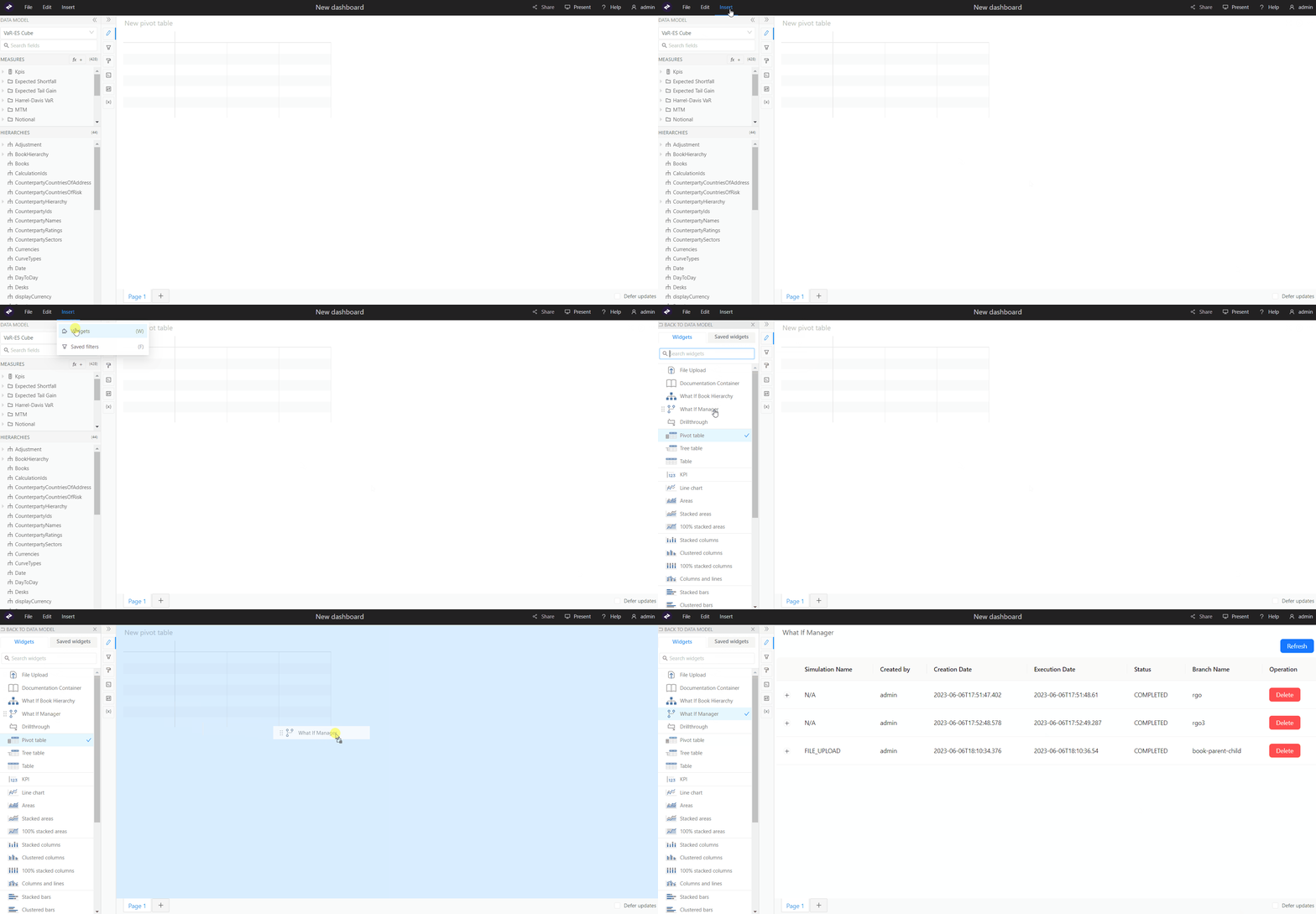
To manage your branches and the simulations on them, use the What-If Manager. To open the What-If Manager:- In the top left menu, click Insert > Widgets. This opens the list of available widgets.
- From the list, drag and drop the What-If Manager widget to your dashboard.
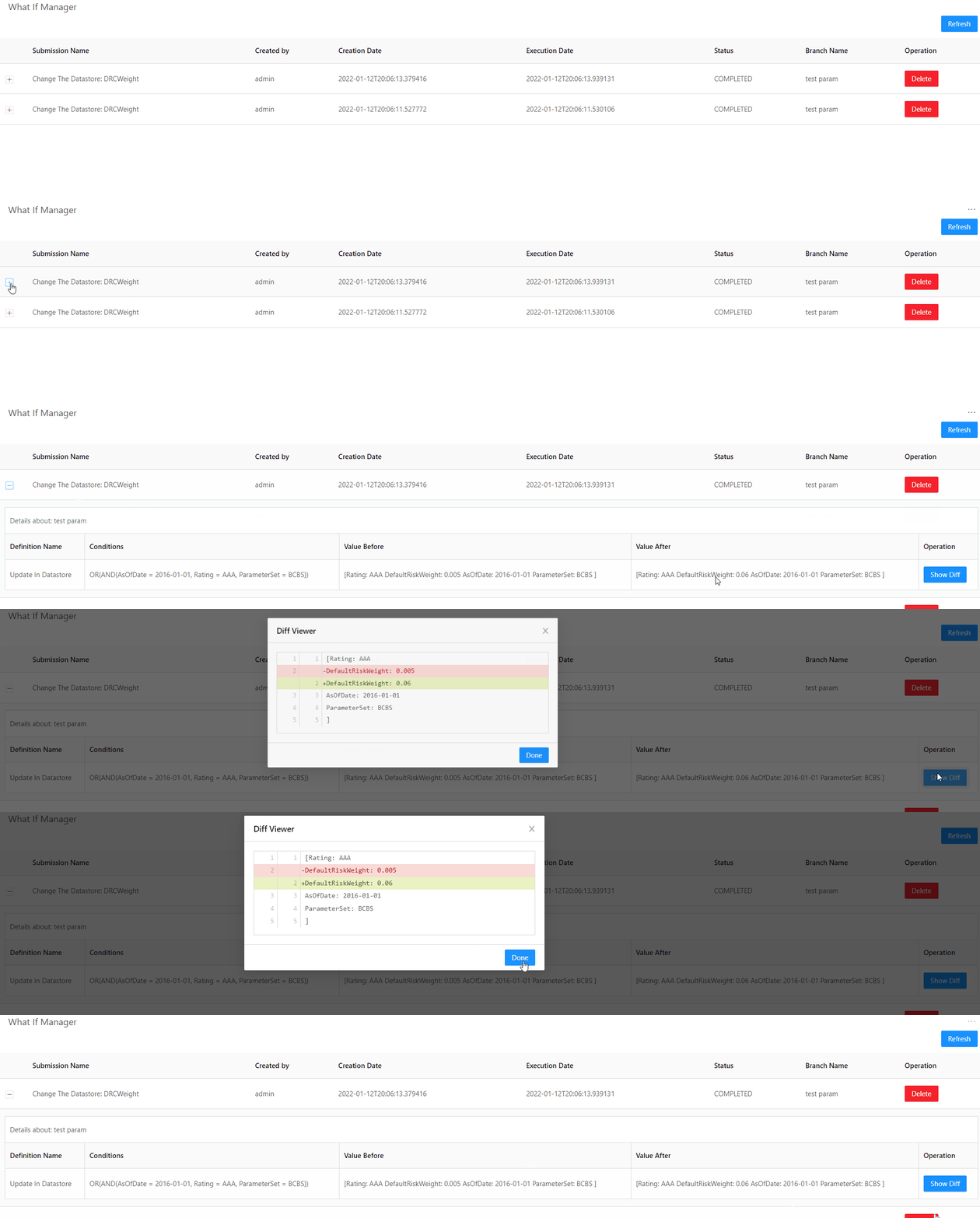
The diff is not available for What-Ifs created using the file upload widget.