Documentation Index

Fetch the complete documentation index at: https://docs.activeviam.com/llms.txt

Use this file to discover all available pages before exploring further.

The Task Configuration screen lists your existing task definitions, and lets you carry out the following actions:
ActionDescription
Create Sign-Off Task DefinitionManually create one task definition at a time. In the default workflow, the tasks definitions are initially saved, not automatically published.
Bulk upload/download multiple tasksPrepare and upload a CSV spreadsheet of task definitions based on the provided template, and export task definitions into a CSV file.
Copy task definitionsQuickly create a new task definition based on an existing one.
View task definition details and historyDisplay a read-only summary of the task definition parameters, workflow type, and scope.
Modify tasksEdit task definitions.
Remove tasksDelete or archive task definitions, depending on their status.

Real-time updates

By default, tasks on this screen are updated in real-time. You can disable/enable real-time updates by clicking the pause/play button next to the table configuration button:
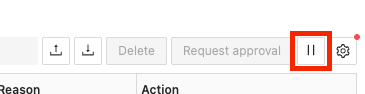
Real-time updates enable/disable button
To have more than six open connections for real-time updates, you must have HTTP/2 enabled. This is a limitation of Server-sent events, which are used to send the updates. You can enable HTTP/2 by setting the spring.http2.enabled property to true in the application.yml file.Note that you must be using a secure connection for this to work. To secure your application, contact your network administrator.

Table columns

The screen contains a table displaying your task definitions.

Field NameDescriptionExample
NameName of the task definition
CategoryCategory of the task definition
Workflow TypeName of the workflow the sign-off tasks created for this definition will follow.4-eyes
Server NameName of the application server the sign-off tasks created for this definition will apply to.MR
CubeName of the cube the sign-off tasks created for this definition will apply to.Sensitivity Cube
StatusStatus of the task definition. In the default implementation tasks can only be started on PUBLISHED definitions.Published
Pending ApprovalThe number of tasks for that definition that are waiting for approval.1
ActionsThe actions you can carry out on the entry: - Copy: Duplicate an existing task definition to speed up creation. - History: view the audit history of the selected task definition.

Filters

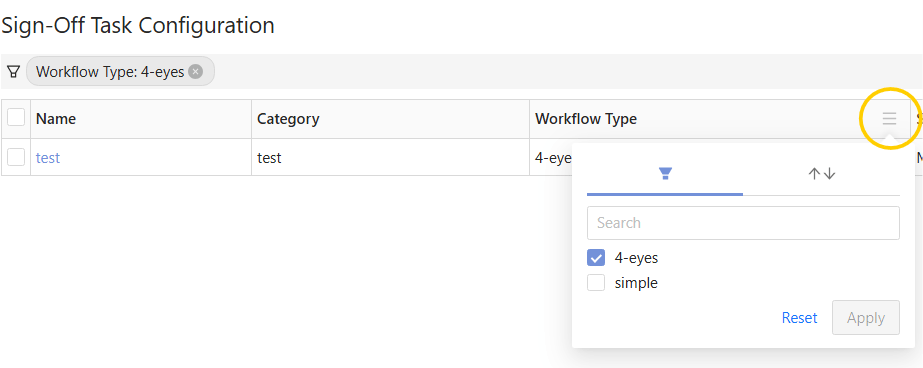
In the column headers you can filter the table values.