

- From the top Sign-Off menu, navigate to the Tasks screen.
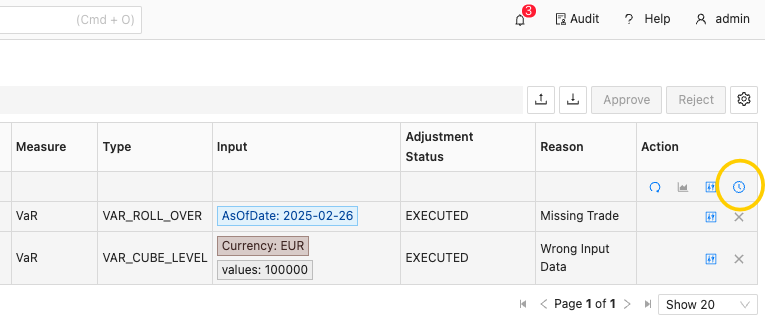
- In the required task’s Action column, click the “History” button.
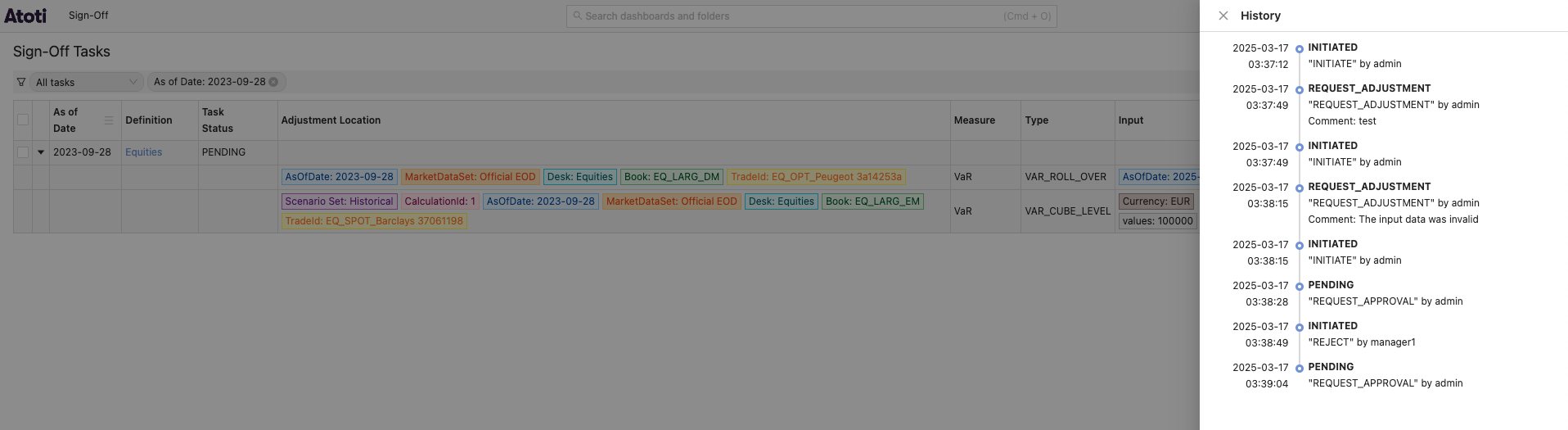
How to track changes to your sign-off data in Atoti Sign-Off, including viewing the history of a specific task and accessing the full audit history screen.