> ## Documentation Index
> Fetch the complete documentation index at: https://docs.activeviam.com/llms.txt
> Use this file to discover all available pages before exploring further.
# Admin UI
## Overview
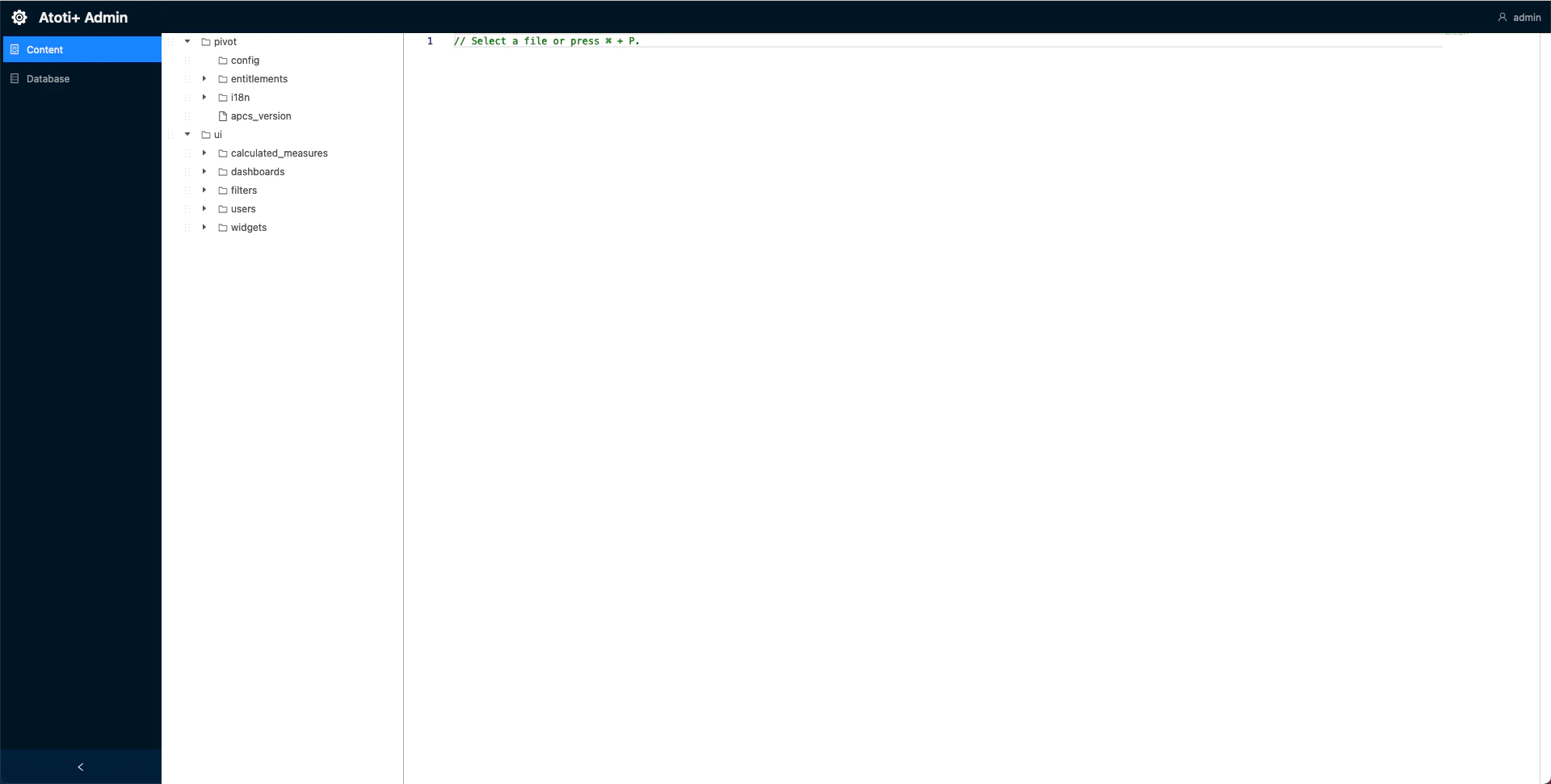
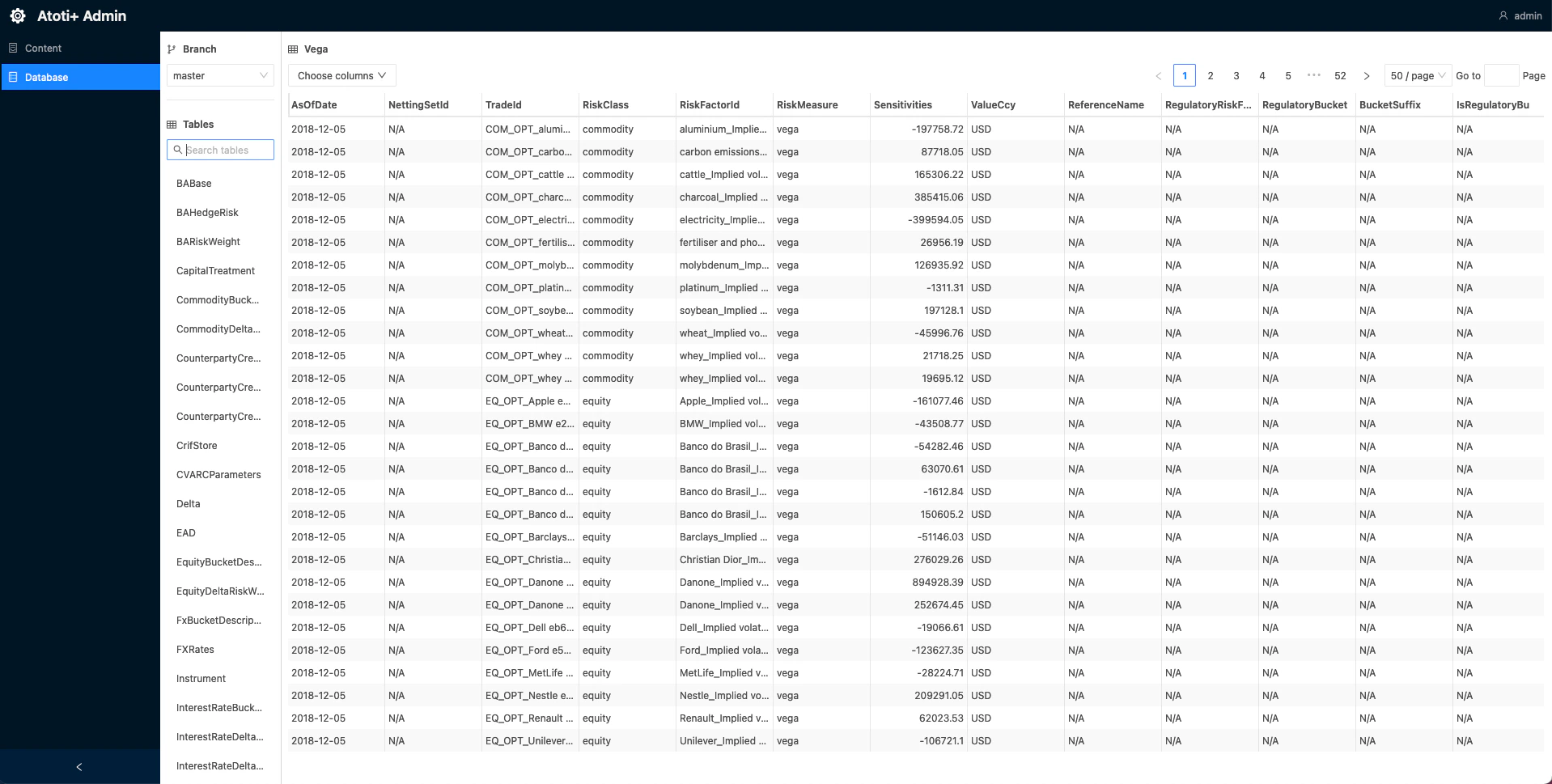
The Admin UI is a user interface to view the contents of the Content Server and the datastore. For more information on
the Content Server, see Atoti Server documentation [Atoti Server Content Server](https://docs.activeviam.com/products/atoti/server/6.0.9/docs/content_server/cs_overview/#admin-ui)
 ## Set up the admin UI
To set up the Admin UI:
1. Import the admin-ui dependency into the `cvarc-application` module:
```xml theme={"languages":{"custom":["/engine/python-sdk/0.9/languages/pycon.tmLanguage.json"]}}
com.activeviam.springboot
atoti-admin-ui-starter
${atoti-server.version}
```
As of version 6.0.0, the Admin UI is included via the `atoti-admin-ui-starter` dependency.
2. Create a new directory, `admin-ui`, within`./cvarc-application/src/main/resources/static`.
3. Add this `env*.js` file to `/static/admin-ui` directory:
```javascript theme={"languages":{"custom":["/engine/python-sdk/0.9/languages/pycon.tmLanguage.json"]}}
var baseUrl = (window.serverUrl =
location.protocol + "//" + window.location.host + "/cvarc-application");
var atotiServerVersion = "6.1.x";
window.env = {
contentServerUrl: baseUrl,
contentServerVersion: atotiServerVersion,
activePivotServers: {
CVARC: {
url: baseUrl,
version: atotiServerVersion,
},
},
};
```
Keep the `6.1.x` form rather than substituting a specific patch version. The Admin UI requires this format due to a known compatibility issue.
4. Import this `env*.js` as a static resource. This can be accomplished by registering a new static resource handler to our
ResourceHandlerRegistry.
Here is a snippet of how to add a new static resource with the ResourceHandlerRegistry fluent API:
```java theme={"languages":{"custom":["/engine/python-sdk/0.9/languages/pycon.tmLanguage.json"]}}
public class StaticResourcesHandler implements WebMvcConfigurer {
// Env.js location within the project
public static final String ADMIN_UI_DIRECTORY = "/static/admin-ui/";
// The Admin UI url path
public static final String ADMIN_UI_PATH = "/admin/ui/";
@Override
public void addResourceHandlers(final ResourceHandlerRegistry registry) {
LoggerFactory.getLogger(StaticResourcesHandler.class.getCanonicalName()).info("Loading static resources");
// Adding the Admin UI as a static resource
registry.addResourceHandler(ADMIN_UI_PATH + "env*.js").
addResourceLocations("classpath:" + ADMIN_UI_DIRECTORY).
resourceChain(true).
// Resolve env.js to the temp file with the custom port
// Could also just use {window.host}:{window.port} ?
addResolver(new EnvJsResourceResolver(tempEnvJsGenerator("classpath:" + ADMIN_UI_DIRECTORY))).
addResolver(new EncodedResourceResolver()).
addResolver(new PathResourceResolver());
}
}
```
## Set up the admin UI
To set up the Admin UI:
1. Import the admin-ui dependency into the `cvarc-application` module:
```xml theme={"languages":{"custom":["/engine/python-sdk/0.9/languages/pycon.tmLanguage.json"]}}
com.activeviam.springboot
atoti-admin-ui-starter
${atoti-server.version}
```
As of version 6.0.0, the Admin UI is included via the `atoti-admin-ui-starter` dependency.
2. Create a new directory, `admin-ui`, within`./cvarc-application/src/main/resources/static`.
3. Add this `env*.js` file to `/static/admin-ui` directory:
```javascript theme={"languages":{"custom":["/engine/python-sdk/0.9/languages/pycon.tmLanguage.json"]}}
var baseUrl = (window.serverUrl =
location.protocol + "//" + window.location.host + "/cvarc-application");
var atotiServerVersion = "6.1.x";
window.env = {
contentServerUrl: baseUrl,
contentServerVersion: atotiServerVersion,
activePivotServers: {
CVARC: {
url: baseUrl,
version: atotiServerVersion,
},
},
};
```
Keep the `6.1.x` form rather than substituting a specific patch version. The Admin UI requires this format due to a known compatibility issue.
4. Import this `env*.js` as a static resource. This can be accomplished by registering a new static resource handler to our
ResourceHandlerRegistry.
Here is a snippet of how to add a new static resource with the ResourceHandlerRegistry fluent API:
```java theme={"languages":{"custom":["/engine/python-sdk/0.9/languages/pycon.tmLanguage.json"]}}
public class StaticResourcesHandler implements WebMvcConfigurer {
// Env.js location within the project
public static final String ADMIN_UI_DIRECTORY = "/static/admin-ui/";
// The Admin UI url path
public static final String ADMIN_UI_PATH = "/admin/ui/";
@Override
public void addResourceHandlers(final ResourceHandlerRegistry registry) {
LoggerFactory.getLogger(StaticResourcesHandler.class.getCanonicalName()).info("Loading static resources");
// Adding the Admin UI as a static resource
registry.addResourceHandler(ADMIN_UI_PATH + "env*.js").
addResourceLocations("classpath:" + ADMIN_UI_DIRECTORY).
resourceChain(true).
// Resolve env.js to the temp file with the custom port
// Could also just use {window.host}:{window.port} ?
addResolver(new EnvJsResourceResolver(tempEnvJsGenerator("classpath:" + ADMIN_UI_DIRECTORY))).
addResolver(new EncodedResourceResolver()).
addResolver(new PathResourceResolver());
}
}
```