> ## Documentation Index
> Fetch the complete documentation index at: https://docs.activeviam.com/llms.txt
> Use this file to discover all available pages before exploring further.
# Monitoring
> How to record Java Flight Recordings (JFRs) in Atoti Limits using JfrService and the JfrController REST endpoints for starting and stopping recordings via monitoring/jfr/start and monitoring/jfr/stop
Atoti Limits contains the `JfrService`, which allows you to record Java Flight Recordings (JFRs) for
troubleshooting purposes.
## Record a JFR via REST
The `JfrController` provides REST endpoints for starting and stopping JFR recordings. You can use these endpoints to
record JFRs on a running application. This REST API is useful for recording JFRs that capture a manual action or a
set of actions that you want to analyze. The easiest way to send the requests is by using the [Swagger UI](./rest-services#swagger-ui).
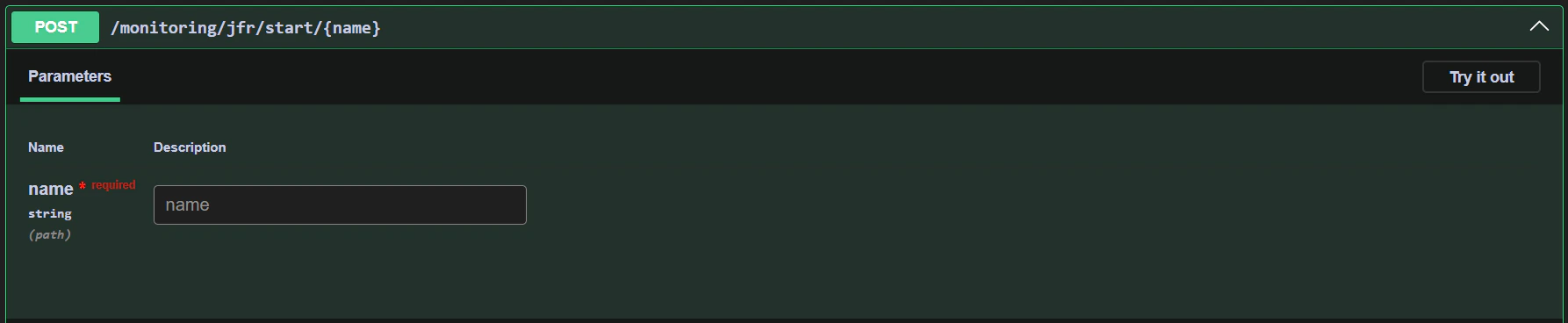
To start a JFR recording, send a POST request to the `monitoring/jfr/start/{name}` endpoint with the name of the recording:
 Failing to stop a JFR recording can lead to high disk usage and memory consumption. Always stop a recording after you
have finished collecting data. By default, the JFR recording will stop after 60 minutes.
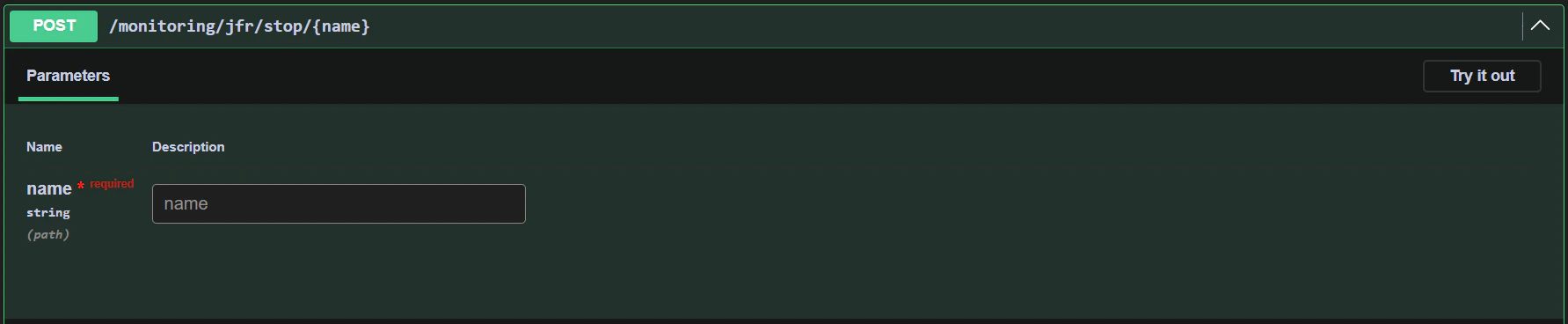
To stop the recording, send a POST request to the `monitoring/jfr/stop/{name}` endpoint with the name of the recording:
Failing to stop a JFR recording can lead to high disk usage and memory consumption. Always stop a recording after you
have finished collecting data. By default, the JFR recording will stop after 60 minutes.
To stop the recording, send a POST request to the `monitoring/jfr/stop/{name}` endpoint with the name of the recording: